
Insight 1
Design options need a place to be discussed
A model alone is not enough
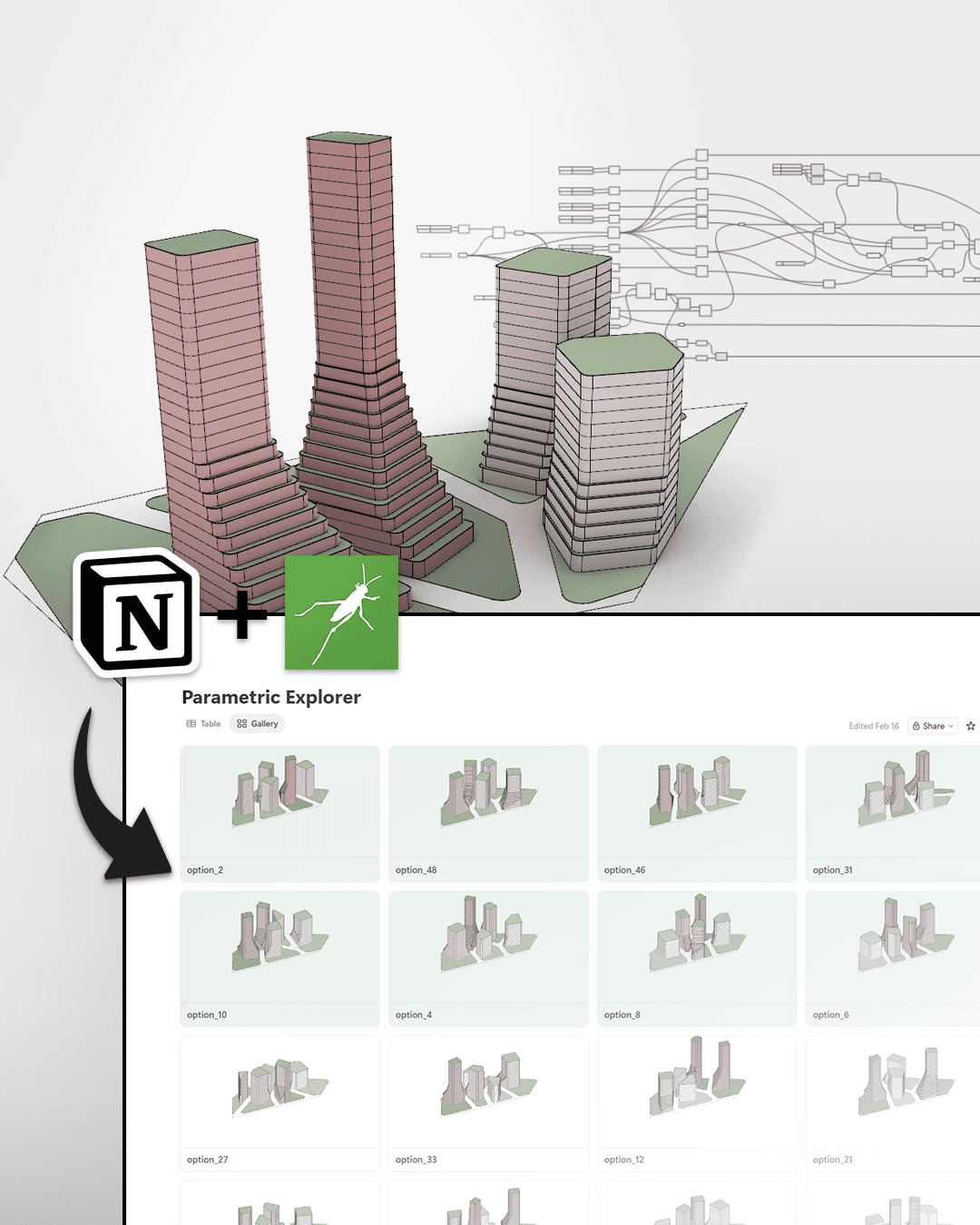
The workflow connects generated options to a place where they can be reviewed, compared and discussed more clearly by a wider team.
Ontologic concept
Connect parametric options to a simple review environment for design comparison and decision-making.
A design exploration workflow that connects parametric options to Notion, making it easier to communicate, compare and discuss design decisions.
Format
Video concept
Focus
Workflow
Next step
Learn or implement
Main video
Key insights
Use these notes as a quick way to understand the workflow before or after watching the full video.
Insight 1
A model alone is not enough
The workflow connects generated options to a place where they can be reviewed, compared and discussed more clearly by a wider team.
Insight 2
Insight 2
Simple tools can still support serious workflows
For some design studies, a lightweight database or review board can be enough to structure the conversation around options and decisions.
Insight 3
Insight 3
Computational design should help teams choose
Generating many options is only useful if the team can understand, filter and compare them. Design explorers help connect generation to decision-making.
Learn with Ontologic
Join the Ontologic course waitlist and learn Grasshopper, computational design, BIM/data workflows and AI-assisted AEC systems through practical project-based lessons.
Links and resources
Use these links to move deeper into the topic, explore related learning paths, or see how Ontologic can help implement similar workflows.
Related concepts
Continue with related Grasshopper, AI, BIM and AEC automation ideas.
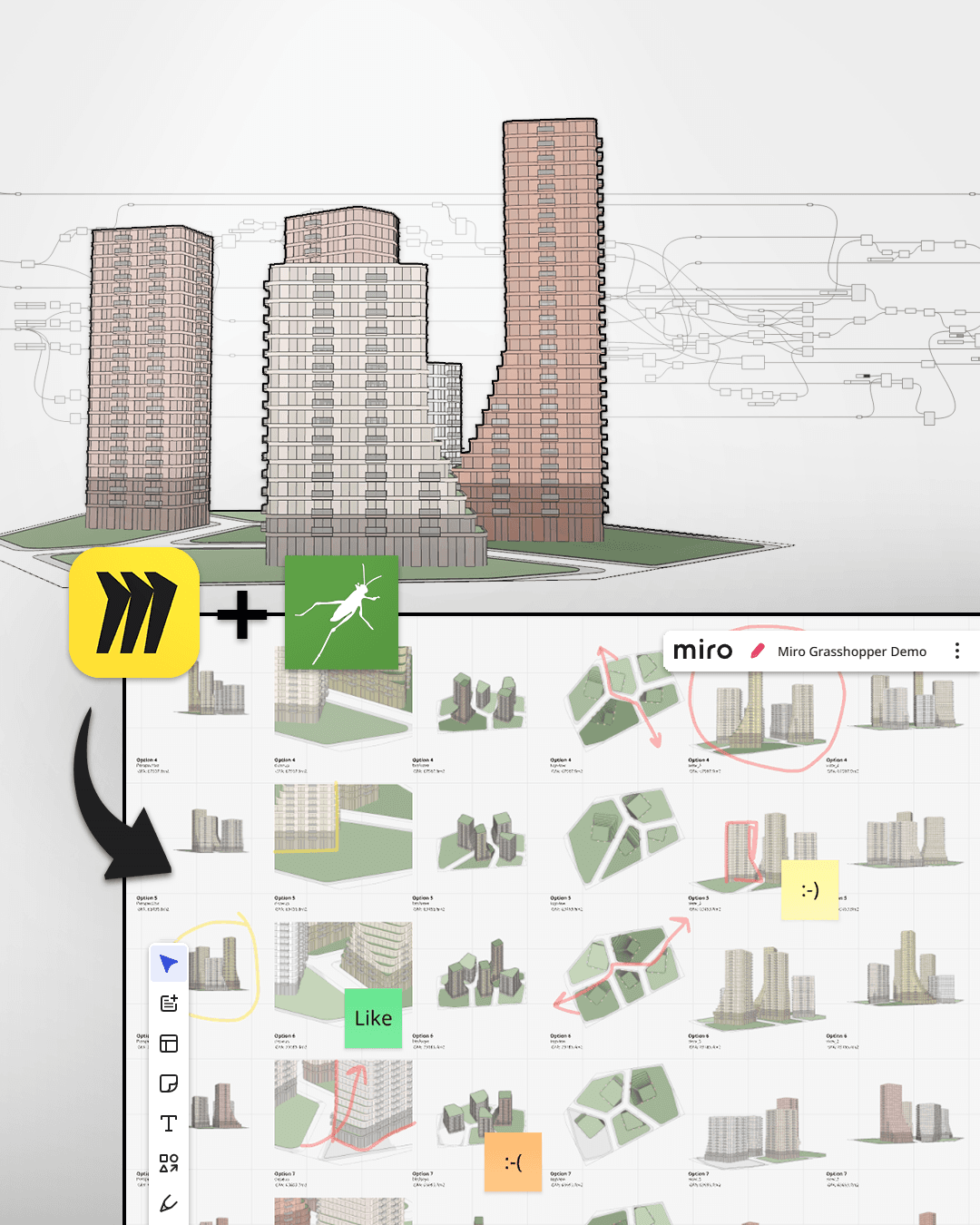
Publish parametric design outputs to Miro so teams can review, compare and discuss options visually.
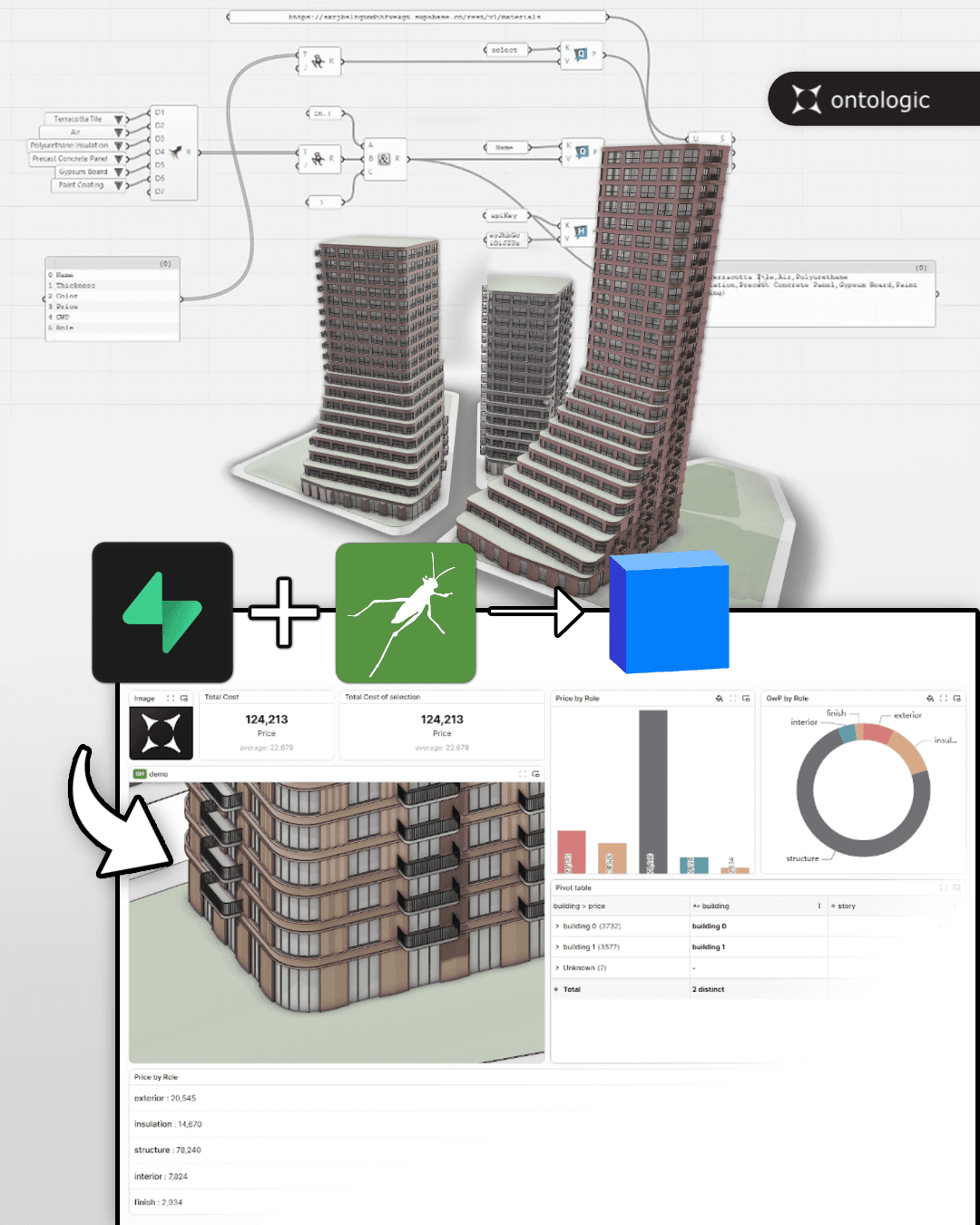
Move beyond temporary model data by connecting Grasshopper to persistent databases and model-sharing infrastructure.
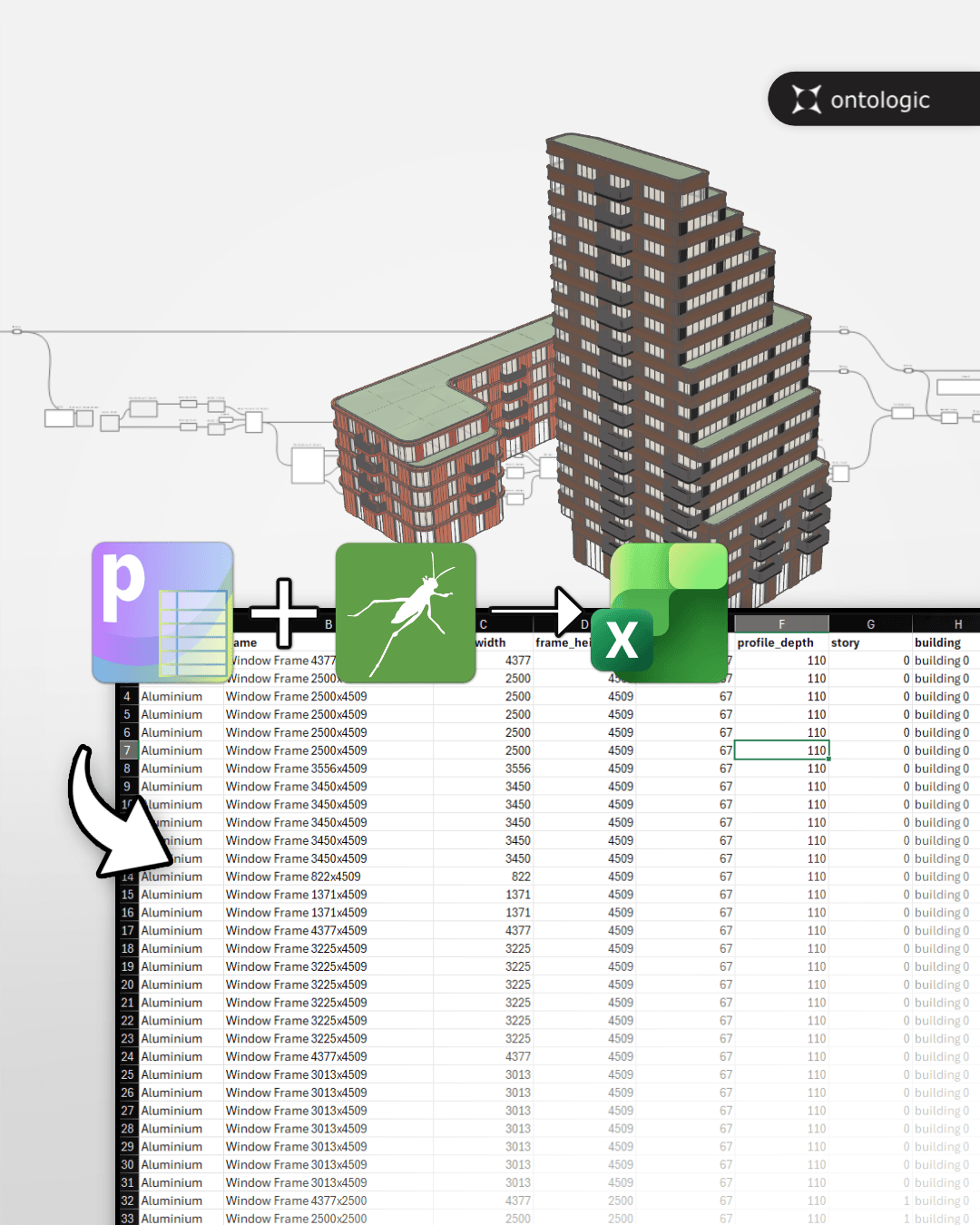
Move parametric model data from Grasshopper into a format that more people can inspect, edit and discuss.