
Insight 1
BIM logic can start before Revit or IFC
Object data matters inside Rhino too
This workflow treats Rhino and Grasshopper geometry as structured project information, not just visual model output.
Ontologic concept
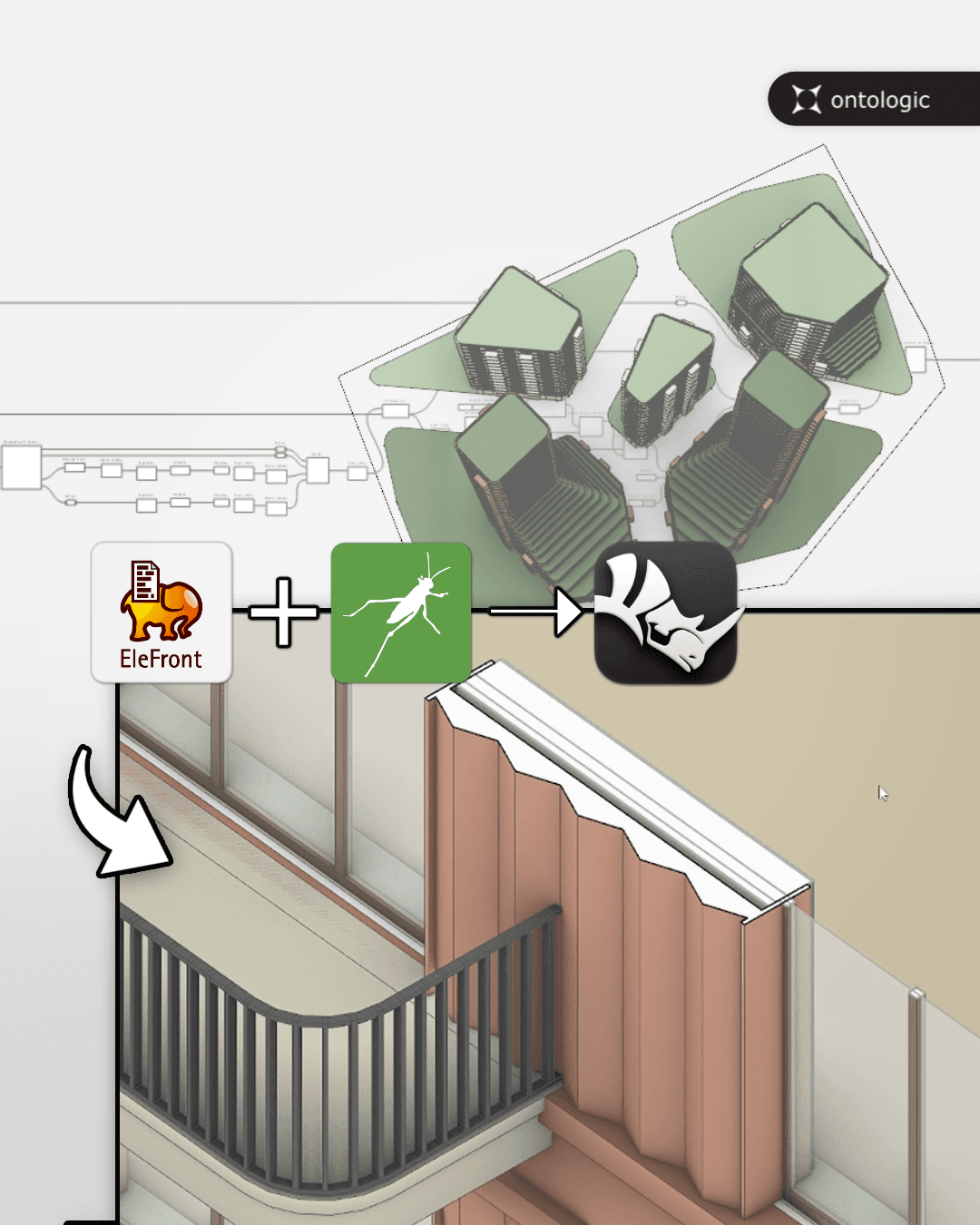
Preserve object data and build smarter baked geometry with Grasshopper, Rhino and Elefront.
A practical Elefront workflow for preserving object data, baking smarter geometry and building lightweight BIM logic inside Rhino and Grasshopper.
Format
Video concept
Focus
BIM
Next step
Learn or implement
Main video
Key insights
Use these notes as a quick way to understand the workflow before or after watching the full video.
Insight 1
Object data matters inside Rhino too
This workflow treats Rhino and Grasshopper geometry as structured project information, not just visual model output.
Insight 2
Insight 2
Smarter baked geometry
By baking objects with names, layers, blocks and attributes, Grasshopper outputs become easier to manage, select, filter and exchange.
Insight 3
Insight 3
Enough structure without unnecessary overhead
For early design, feasibility studies and internal tools, a lightweight BIM approach can be faster and more flexible than forcing every workflow into a heavy production BIM environment.
Learn with Ontologic
Join the Ontologic course waitlist and learn Grasshopper, computational design, BIM/data workflows and AI-assisted AEC systems through practical project-based lessons.
Links and resources
Use these links to move deeper into the topic, explore related learning paths, or see how Ontologic can help implement similar workflows.
Related concepts
Continue with related Grasshopper, AI, BIM and AEC automation ideas.
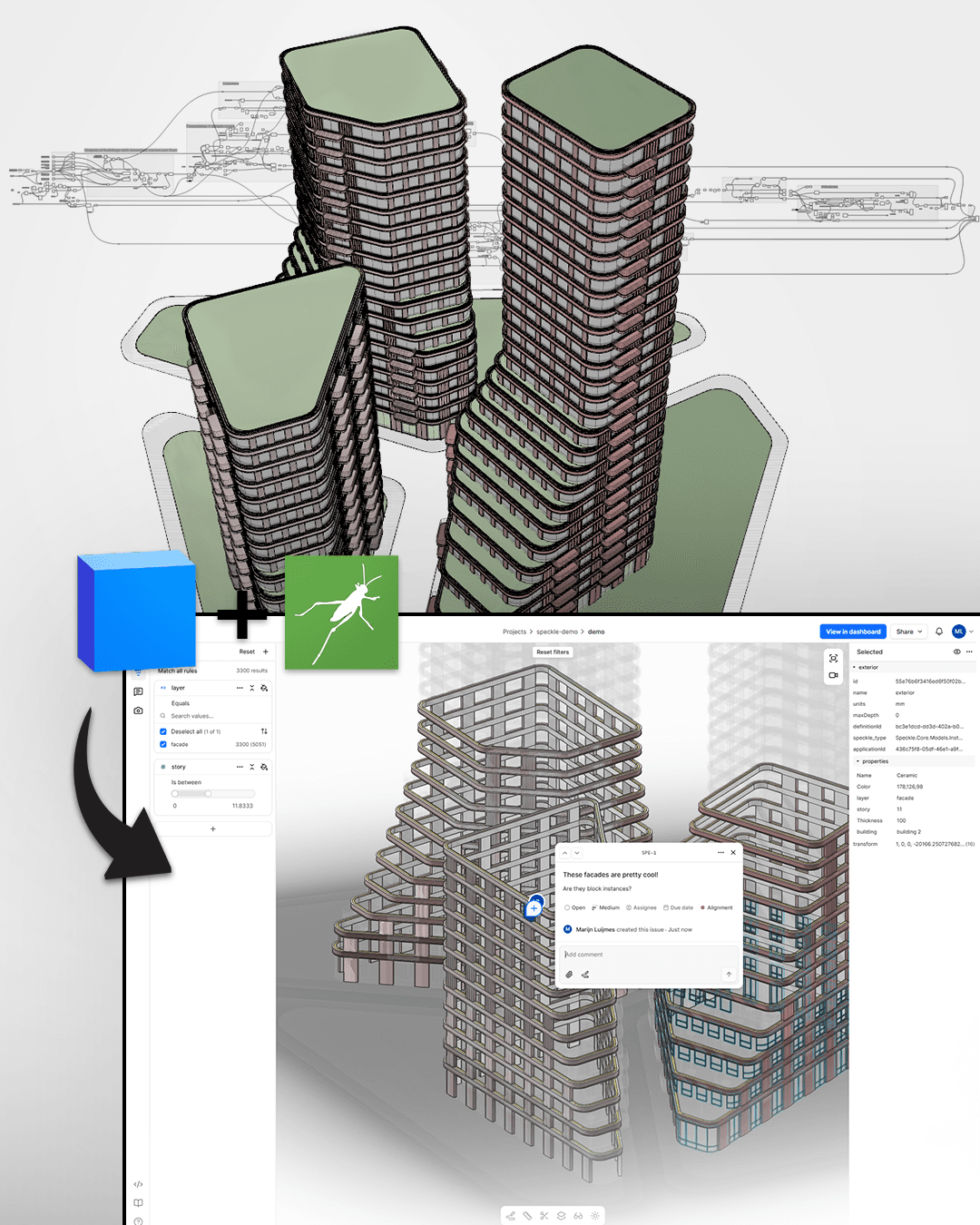
Use Grasshopper and Speckle to structure, share and communicate lightweight BIM information.
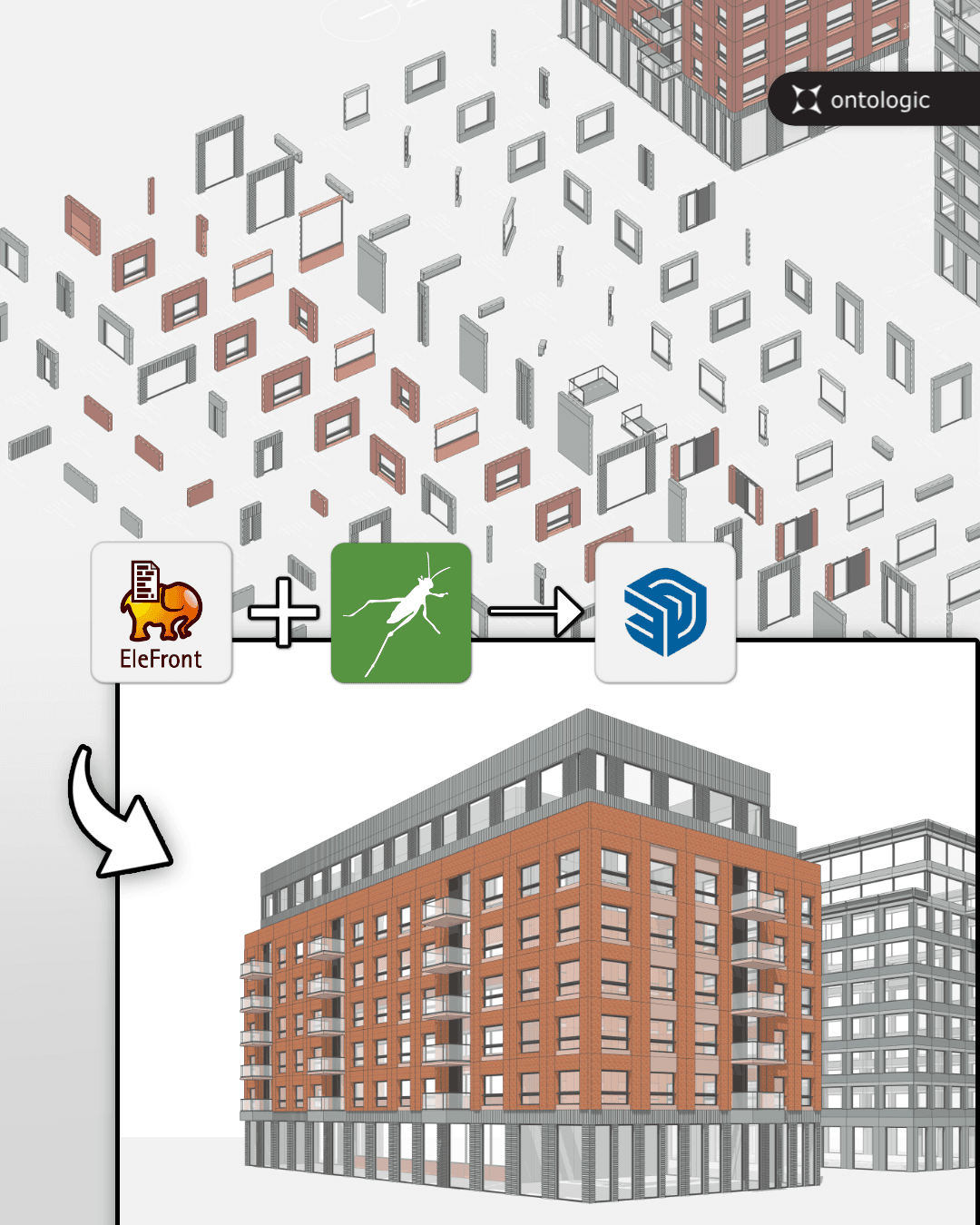
Use Grasshopper as a facade generation engine, then continue design work in SketchUp.
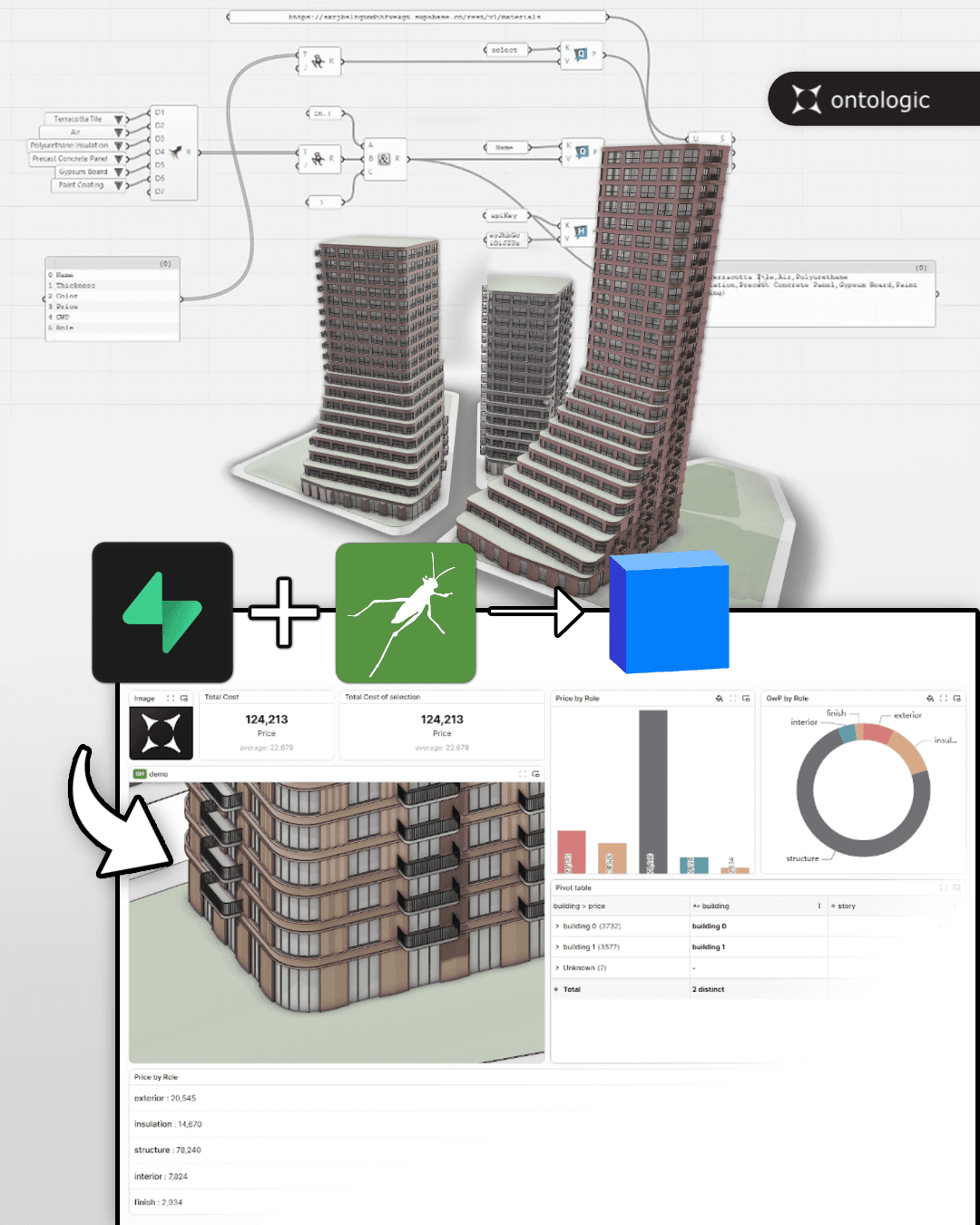
Move beyond temporary model data by connecting Grasshopper to persistent databases and model-sharing infrastructure.