Insight 1
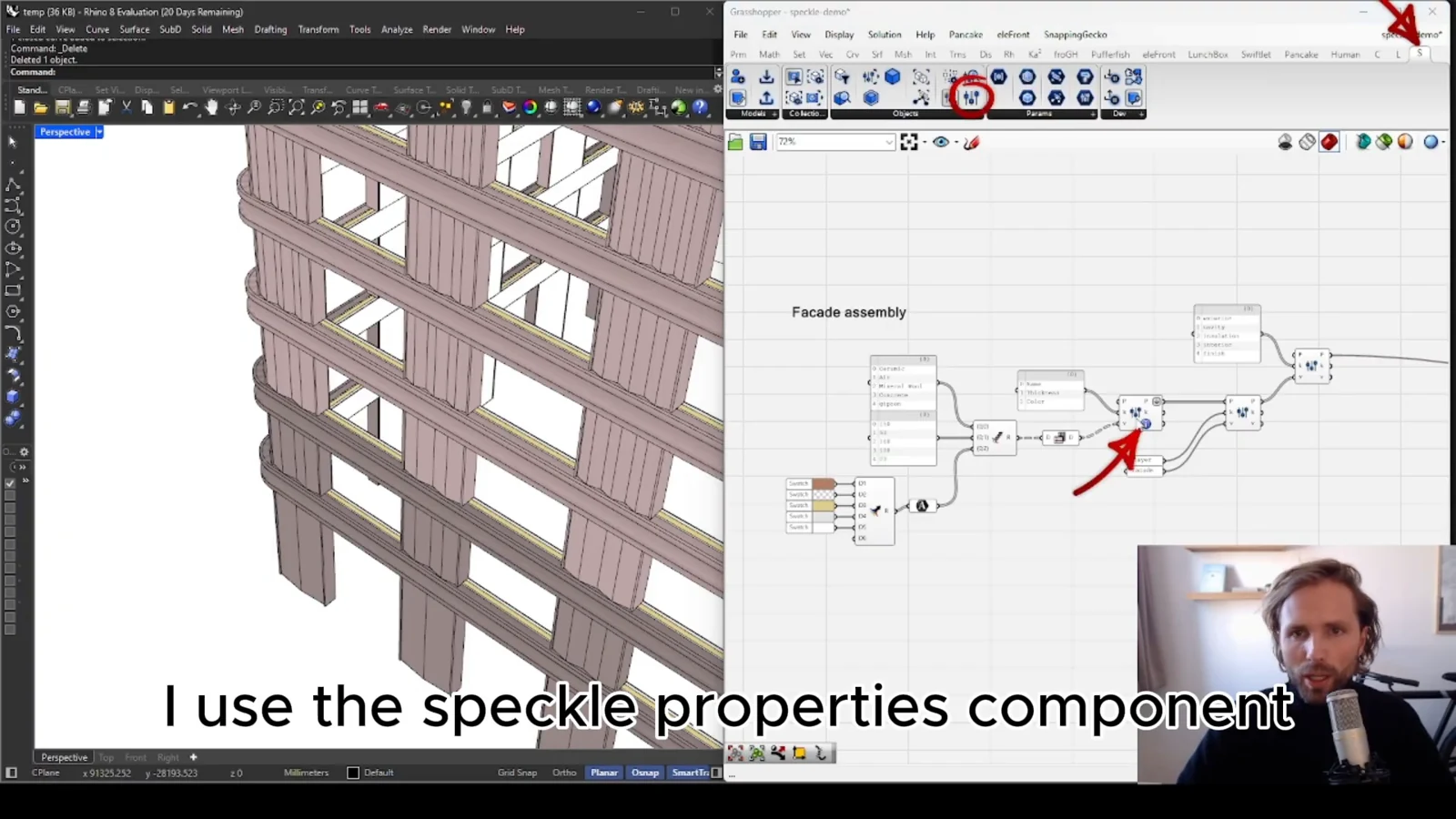
Adding properties to facade objects before publishing
The facade assembly and property-related components are shown together.
Watch at 0:48

Ontologic concept
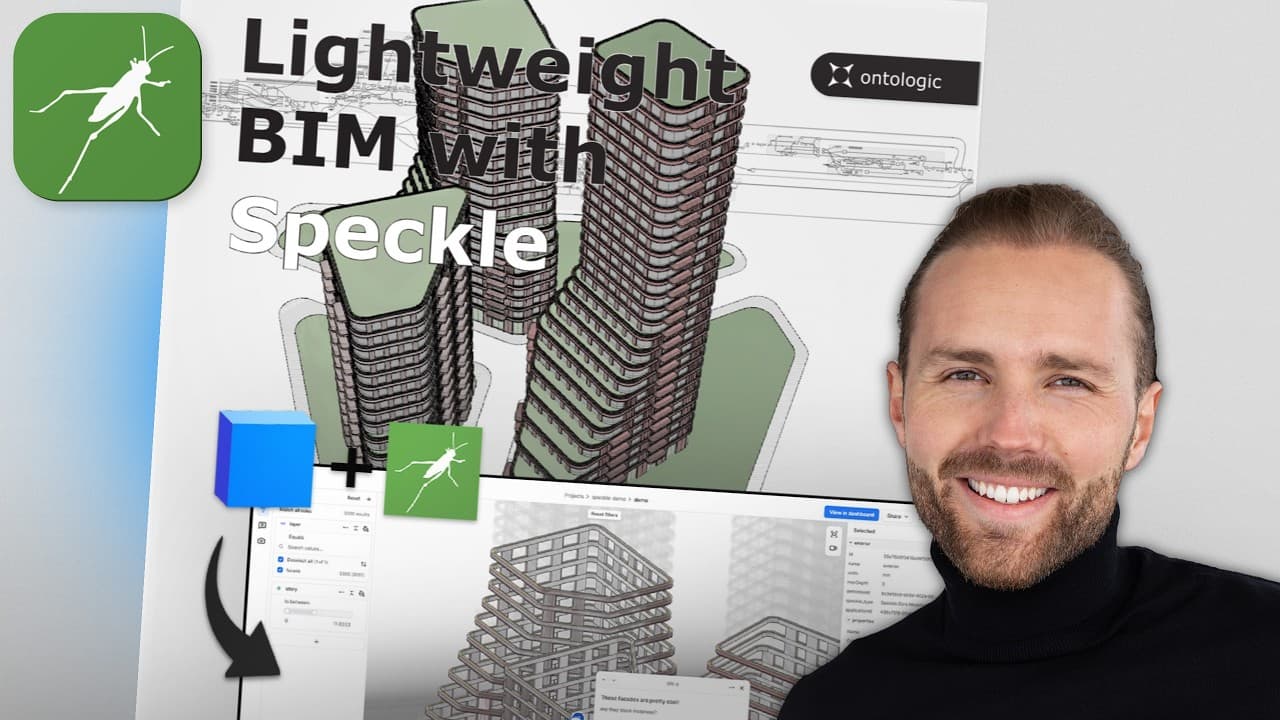
Use Grasshopper and Speckle to structure, share and communicate lightweight BIM information.
A lightweight BIM workflow using Grasshopper and Speckle, focused on structure, data and sharing parametric information across tools.
Format
Video concept
Focus
BIM
Next step
Learn or implement
Main video
Key insights
Use these notes as a quick way to understand the workflow before or after watching the full video.
Insight 1
The facade assembly and property-related components are shown together.
Watch at 0:48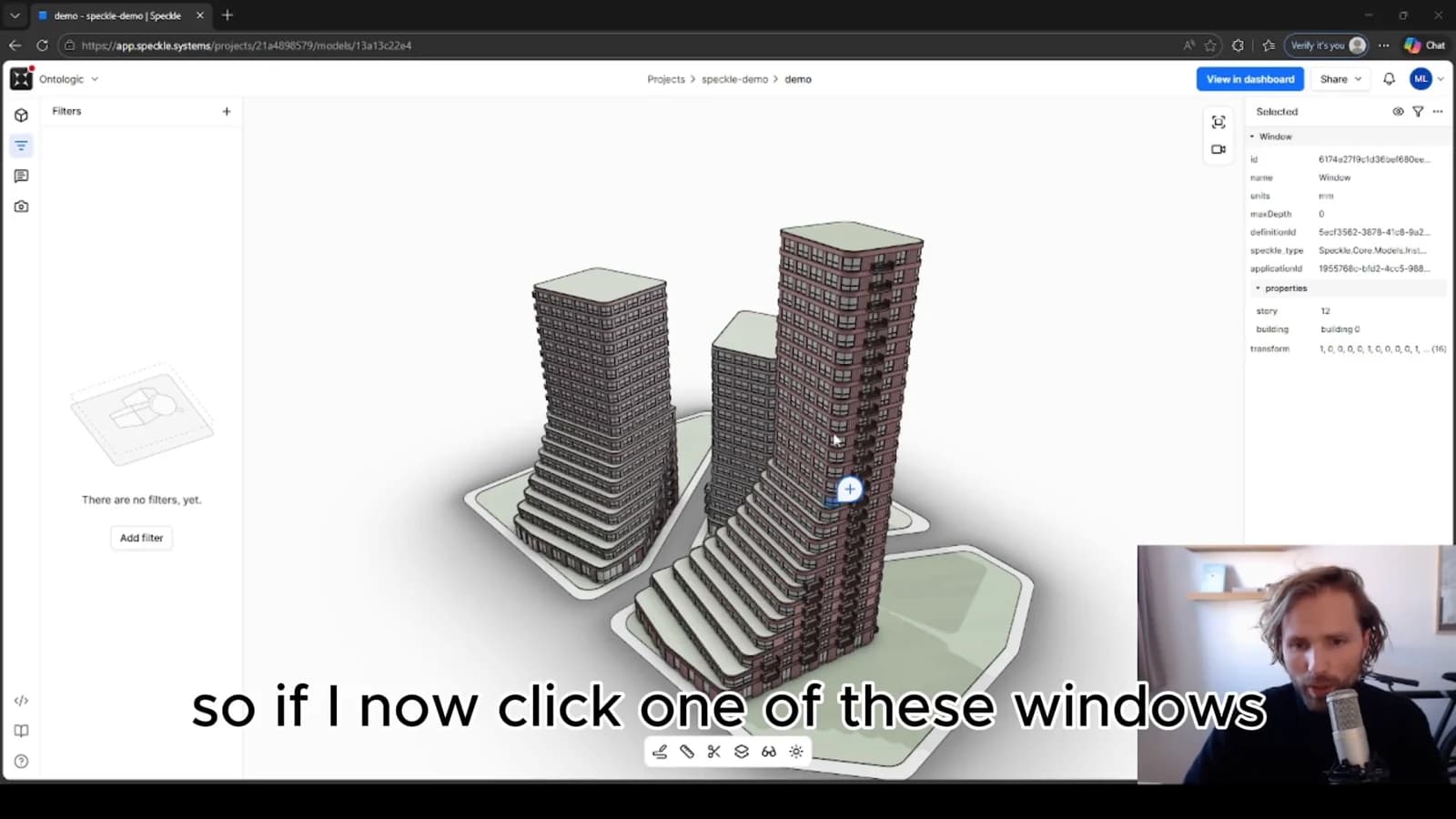
Insight 2
The published towers can be inspected in a browser-based model view.
Watch at 2:10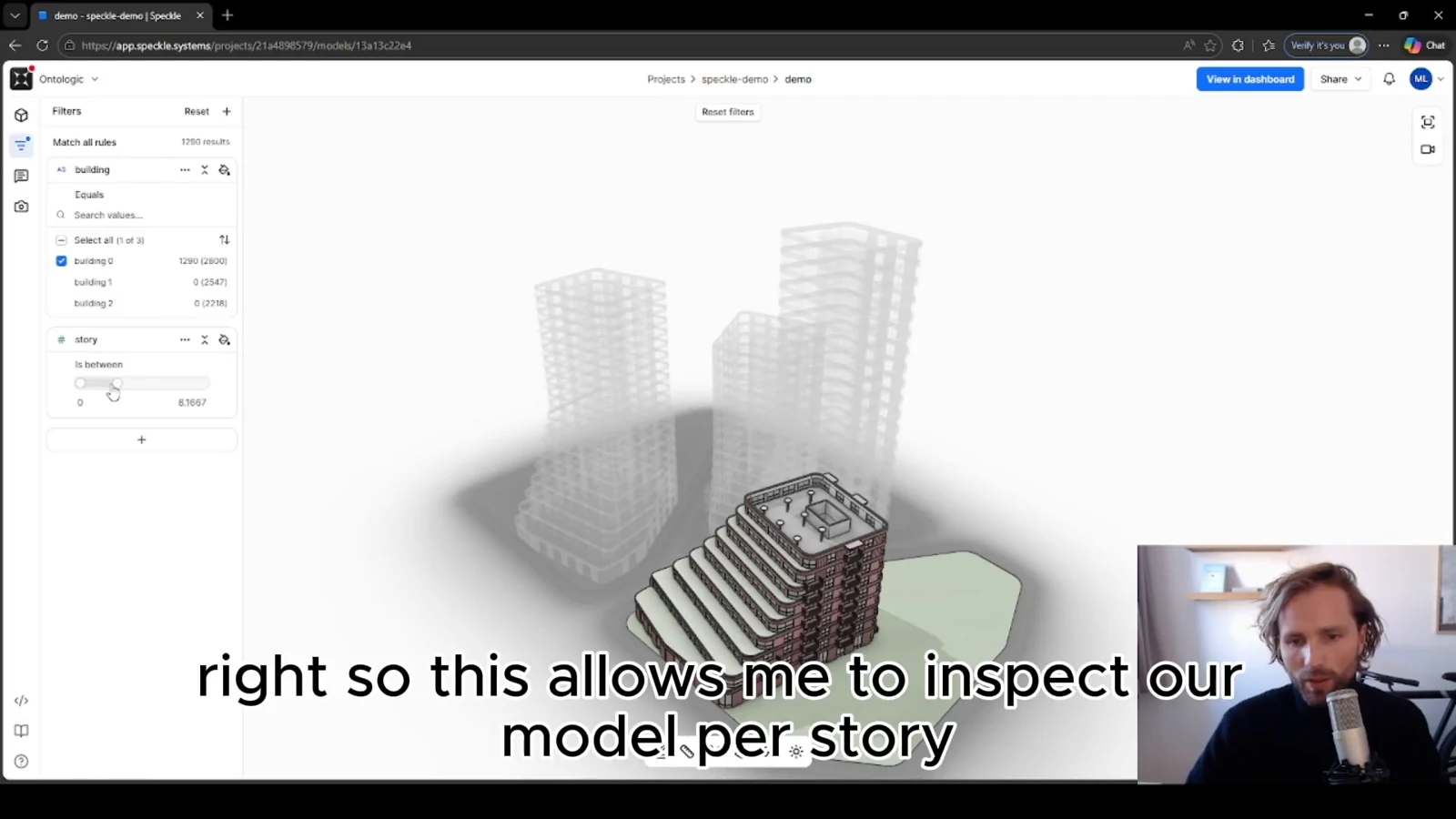
Insight 3
The receiving view isolates a floor while the remaining building is faded.
Watch at 2:17Work with Ontologic
Ontologic helps AEC teams design and implement computational design systems, BIM/data workflows, automation tools and custom software for real project contexts.
Links and resources
Use these links to move deeper into the topic, explore related learning paths, or see how Ontologic can help implement similar workflows.
Related concepts
Continue with related Grasshopper, AI, BIM and AEC automation ideas.
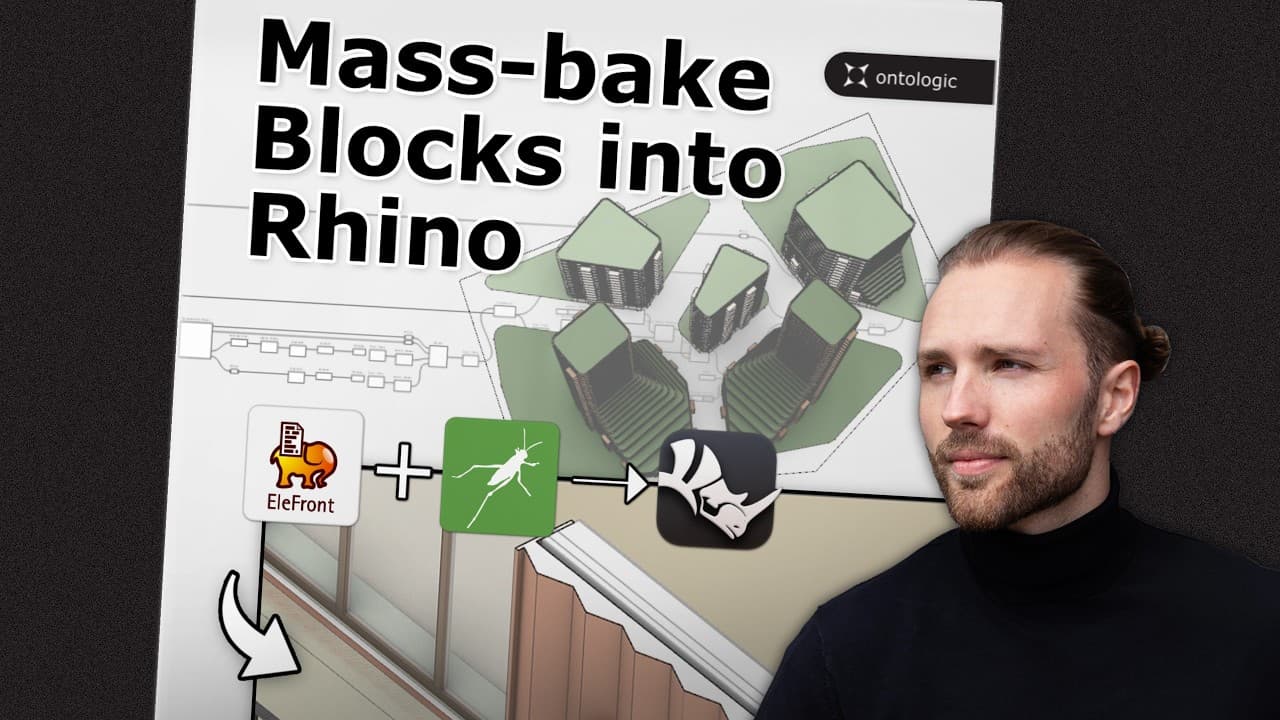
Preserve object data and build smarter baked geometry with Grasshopper, Rhino and Elefront.
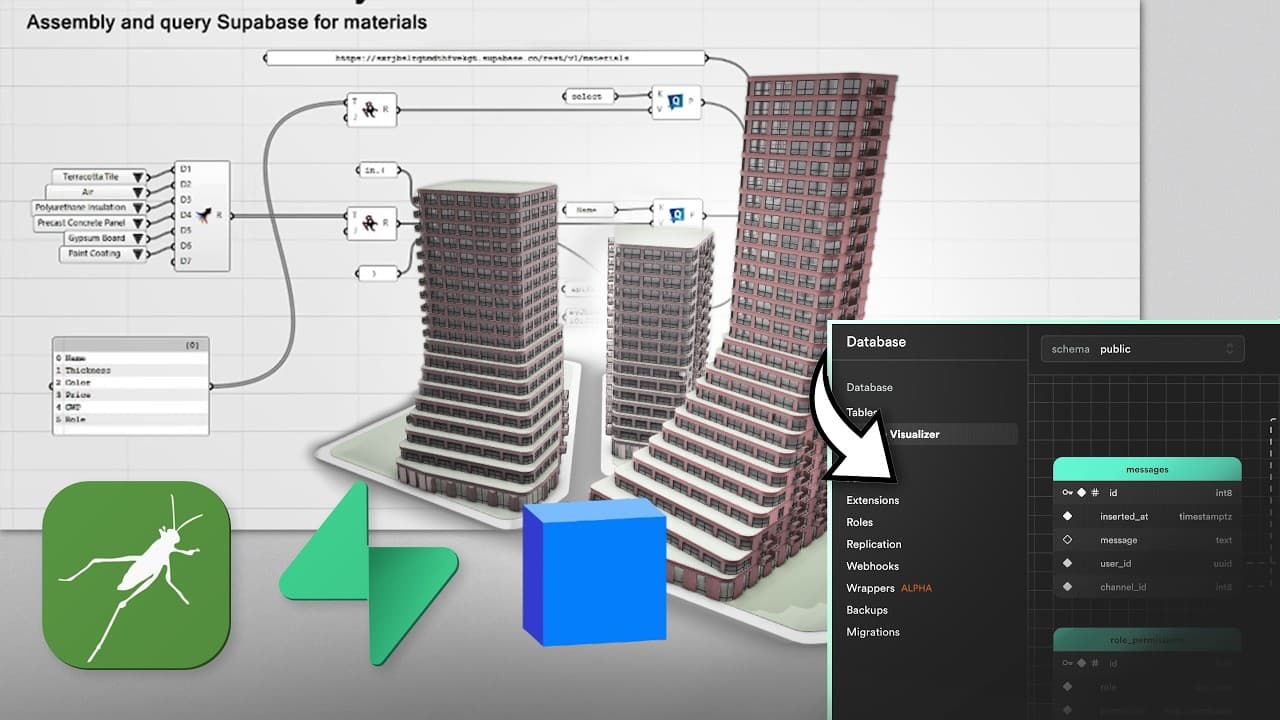
Move beyond temporary model data by connecting Grasshopper to persistent databases and model-sharing infrastructure.
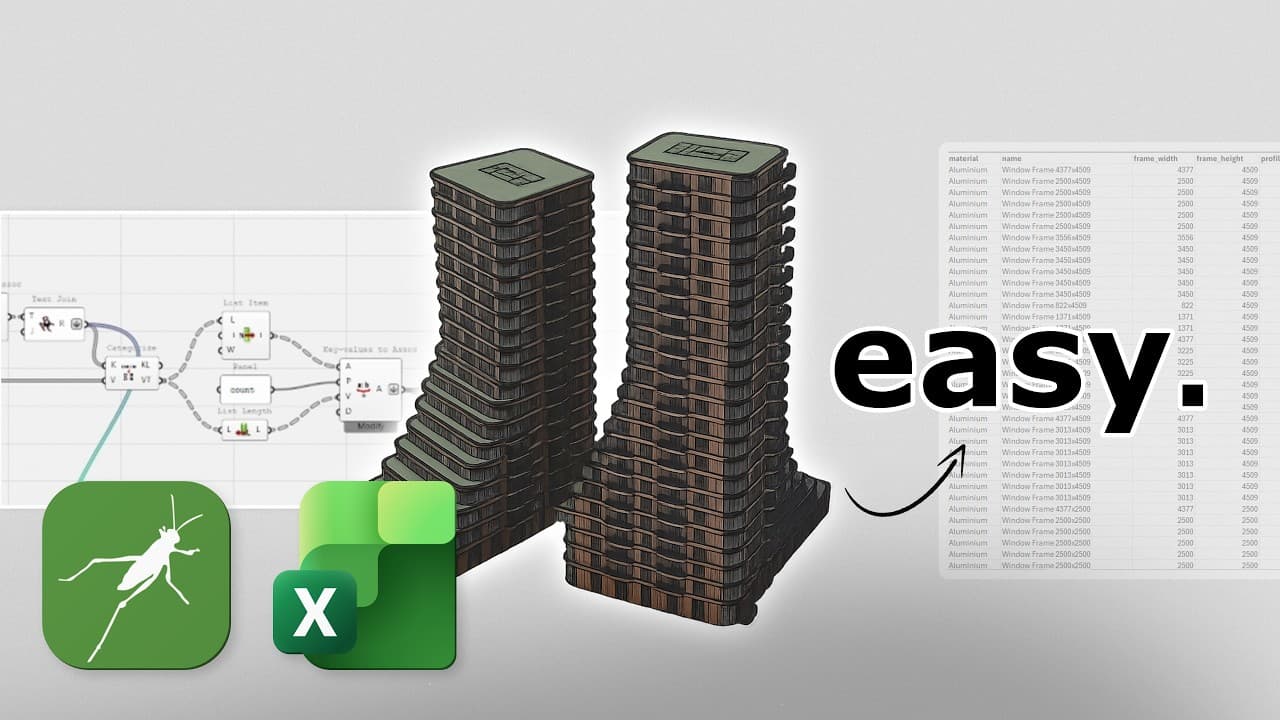
Move parametric model data from Grasshopper into a format that more people can inspect, edit and discuss.