
AI / Field notes
Build a Floor Plan Generator with ChatGPT Astra
Use ChatGPT Astra to interact with Grasshopper and turn natural-language design intent into a working parametric floor plan workflow.
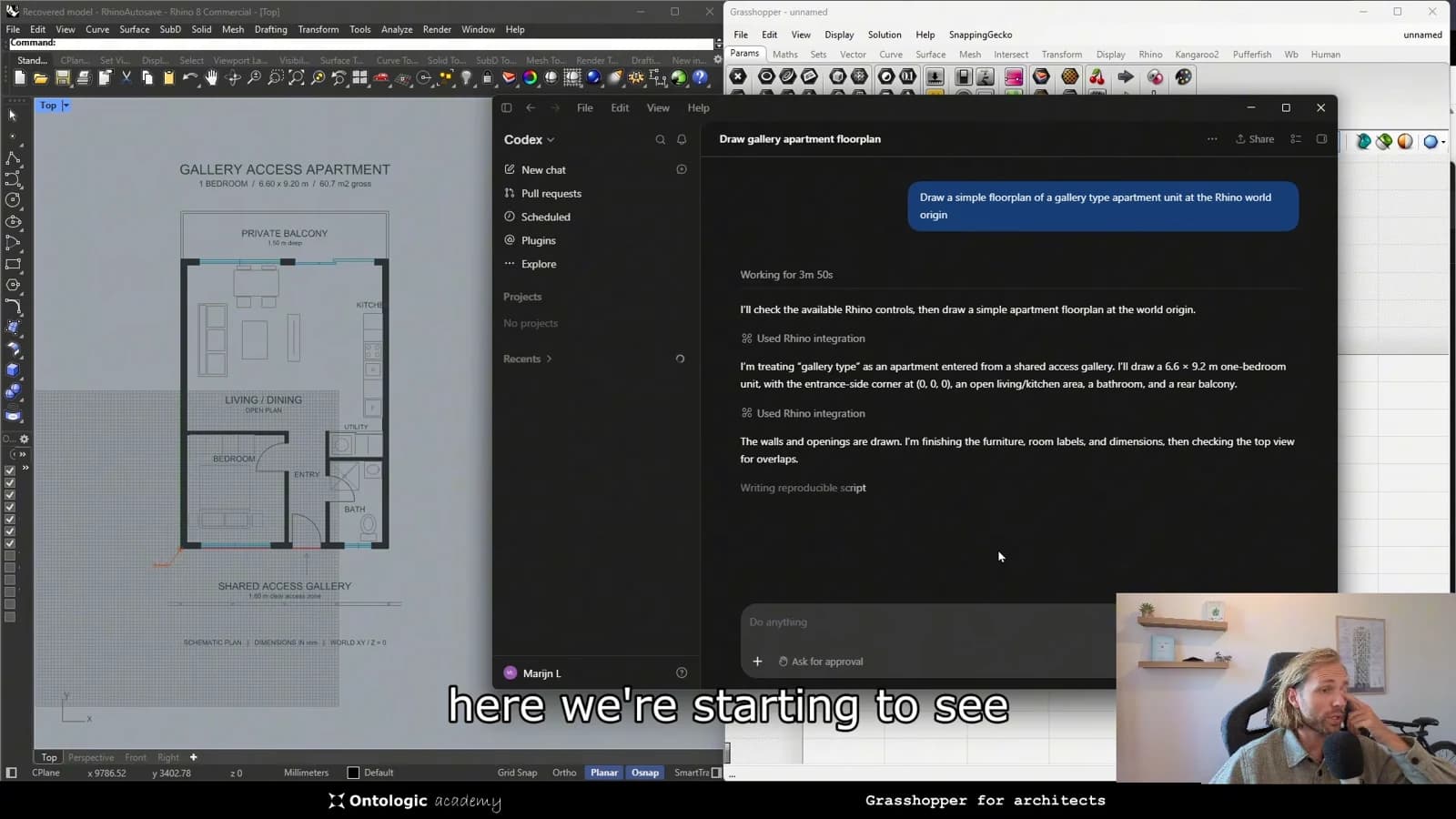
A floor plan generator is useful only when someone can steer it. Once the relationships between rooms, dimensions and circulation are encoded in Grasshopper, the next question is how a designer should interact with that system. This video explores a conversational interface: ChatGPT Astra operating a parametric workflow through natural-language design intent.
Separate intent from geometry
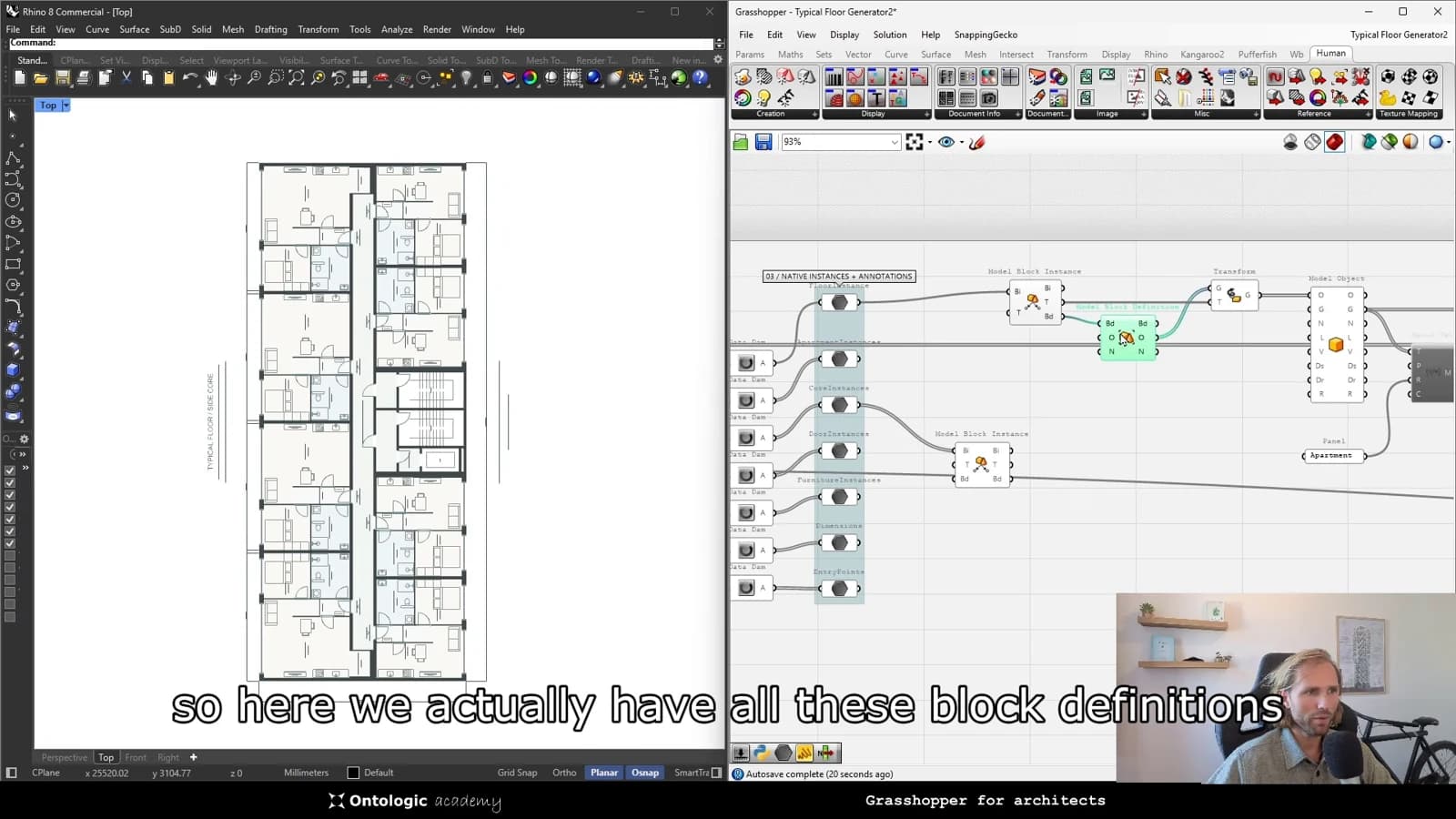
A request to adjust a layout describes an intention, but a geometric model needs explicit inputs. The useful bridge is a set of meaningful controls that connects those two levels. Instead of treating the conversation as a substitute for a floor plan definition, treat it as another way to operate that definition.
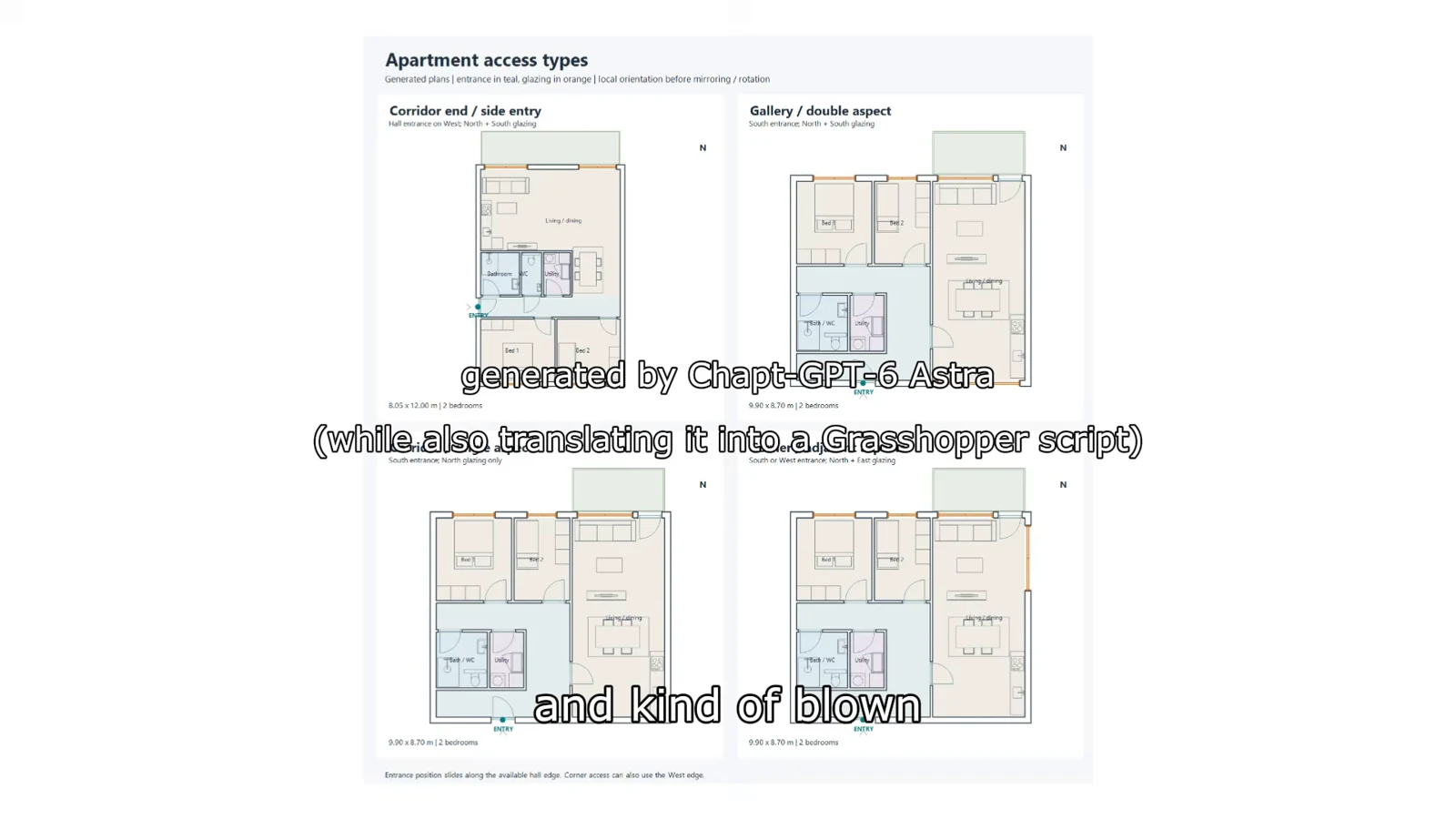
This separation makes the workflow easier to inspect. Grasshopper holds the relationships that generate the plan; the conversational layer helps select and adjust the available controls. A plausible response from an agent is still something to check against the resulting model.
Make the design system legible
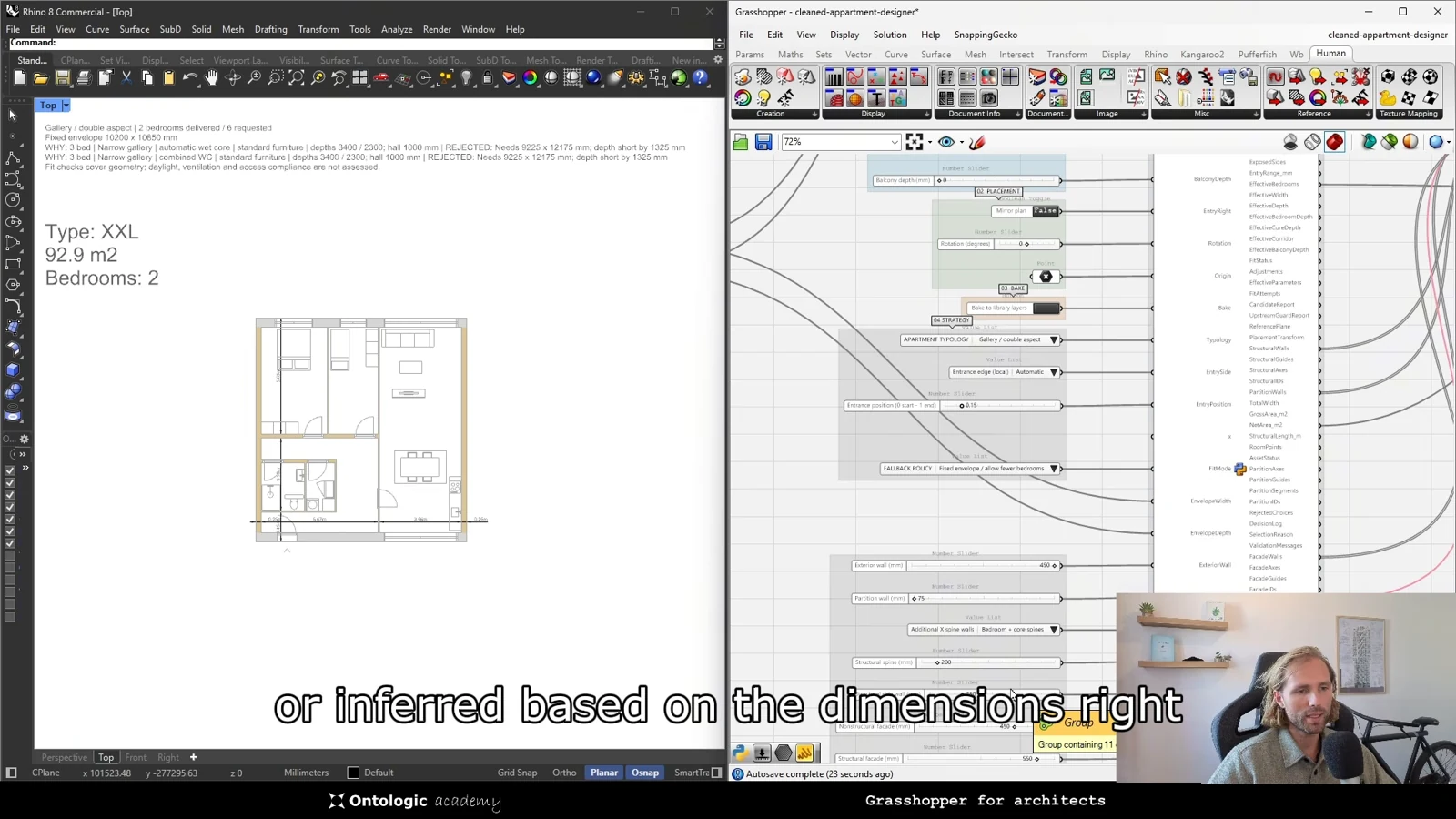
An interface built around project concepts is easier to reason about than a collection of unexplained sliders. Name inputs according to what they change, describe their limits and expose outputs that reveal the consequences. A designer should be able to connect a requested change to a visible result.
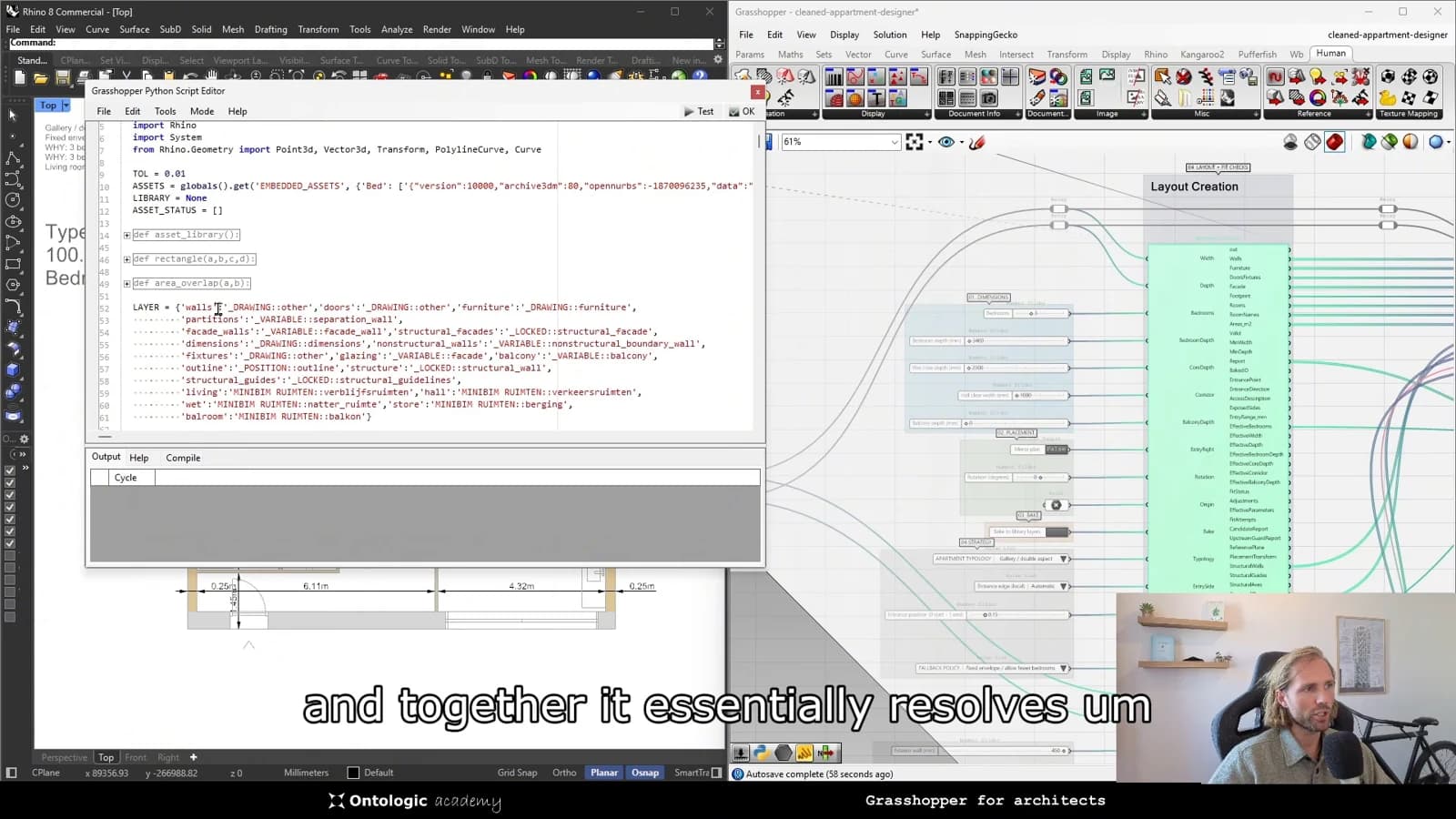
For a floor plan study, it helps to distinguish a preference from a constraint. A desired proportion may be negotiable, while a boundary condition may be fixed. Keeping those distinctions inside the model prevents an ambiguous instruction from silently redefining the design problem.
Use conversation to explore, then review
The opportunity is a shorter path between asking a question and examining an option. It does not remove the need to evaluate circulation, spatial quality or project requirements. Use the agent to navigate the model, then review the plan with the same care as a manually generated alternative.
From concept to canvas
See the workflow in practice
The companion video shows the model and the workflow behind these ideas. Watch the walkthrough when you want to see how the pieces connect.
Watch on YouTube