

AI / Field notes
Build AI Agents Inside Grasshopper
Let an AI agent interact with Grasshopper parameters, model rules and outputs through Swiftlet and MCP.
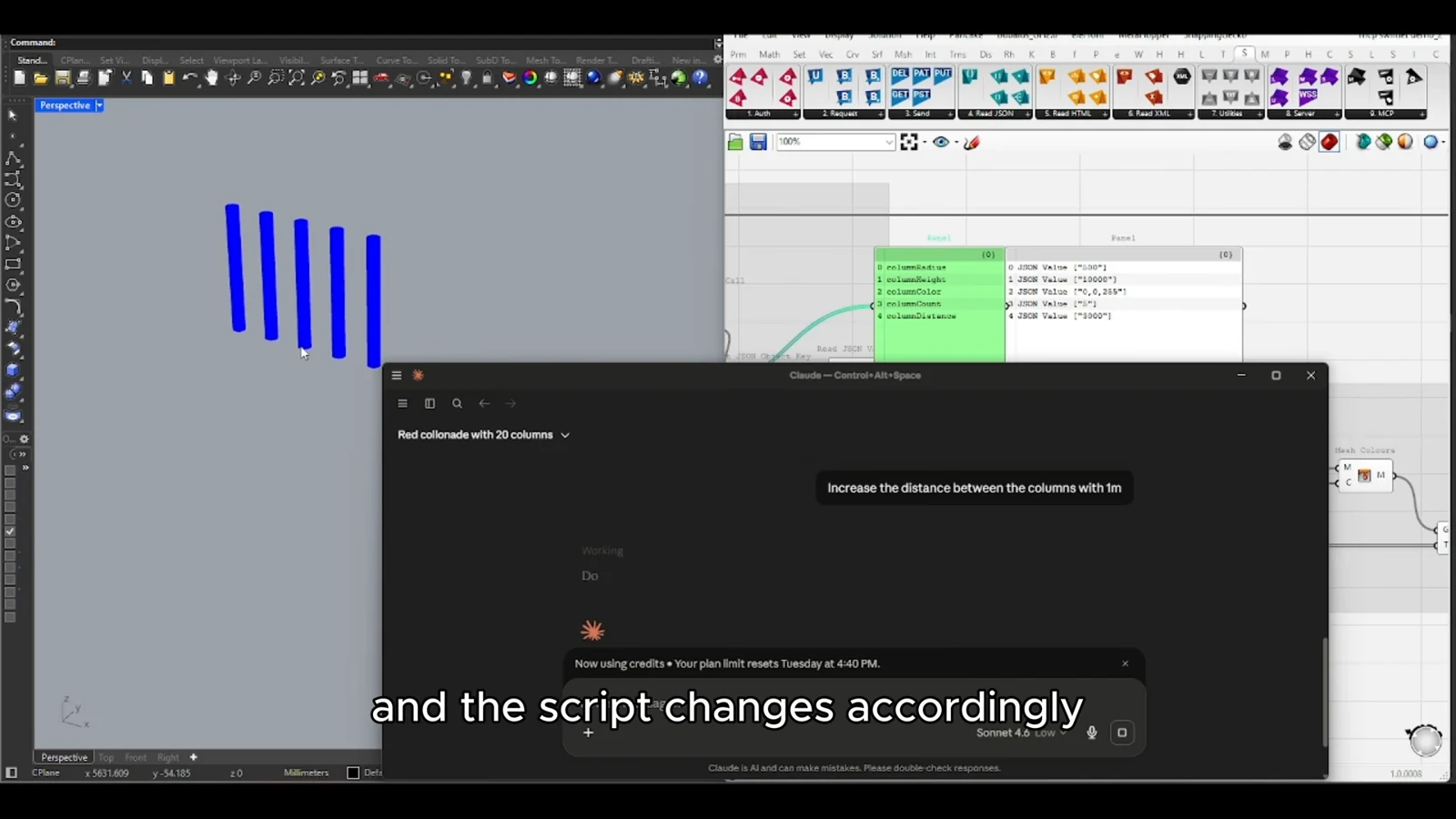
An AI agent becomes more interesting when it can act on a design model and inspect the result. This video explores that idea inside Grasshopper: a live parametric definition becomes a tool the agent can operate, while the designer retains responsibility for the system's logic.
Try it yourself
Get the template in the community
Templates are hosted in Ontologic Academy on Circle. Follow the link, then sign in or create a community account to access the template and its instructions.
Start with a bounded design task
A request such as improving a design is too open to evaluate without further definition. A useful agent workflow starts with a smaller task: adjust a known set of inputs, inspect a defined output and compare the result with an explicit goal.
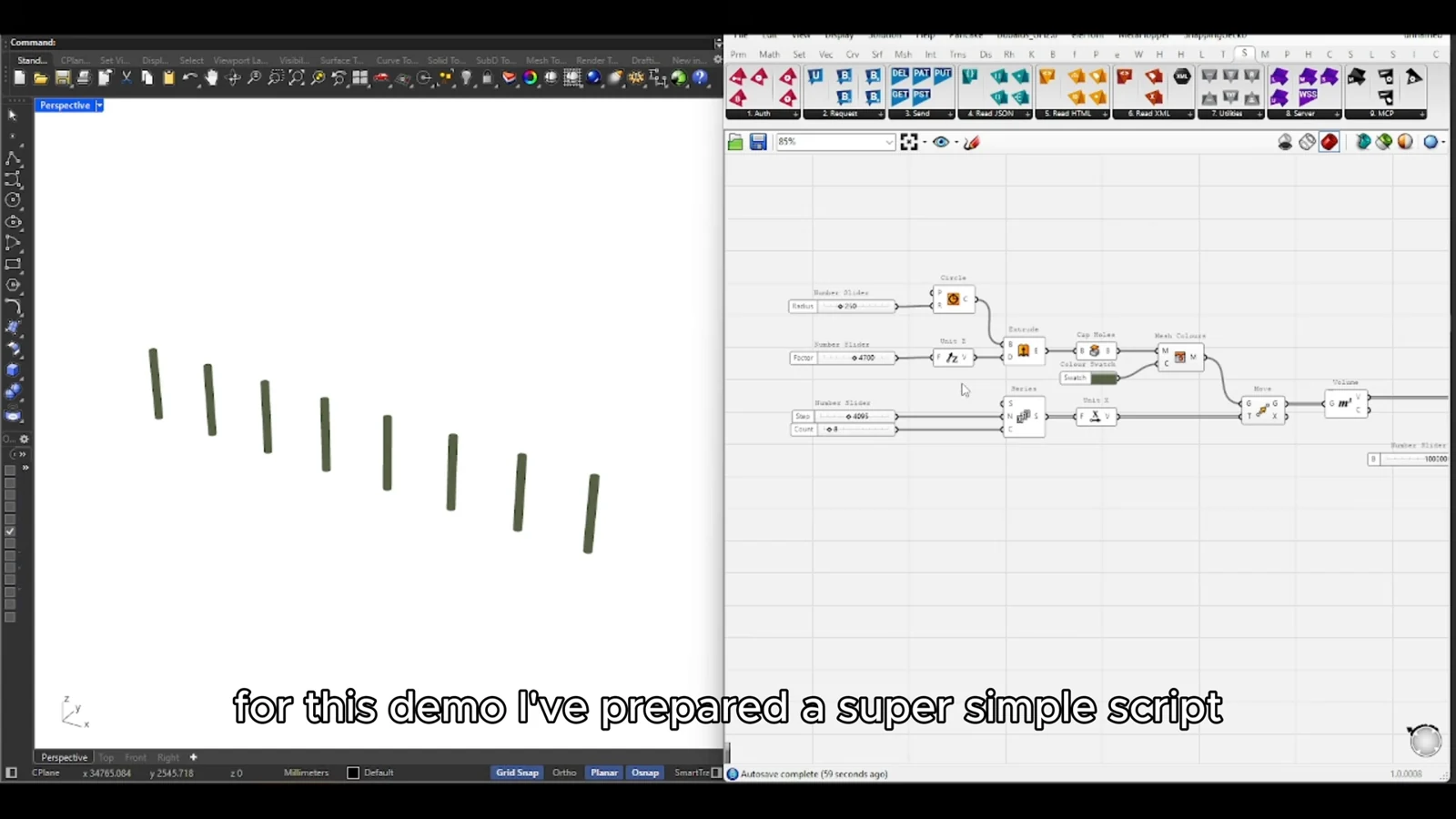
This makes the interaction testable. You can inspect which parameters changed, whether the model remained valid and whether the output moved in a useful direction. The quality of the surrounding definition matters as much as the agent's ability to reason.
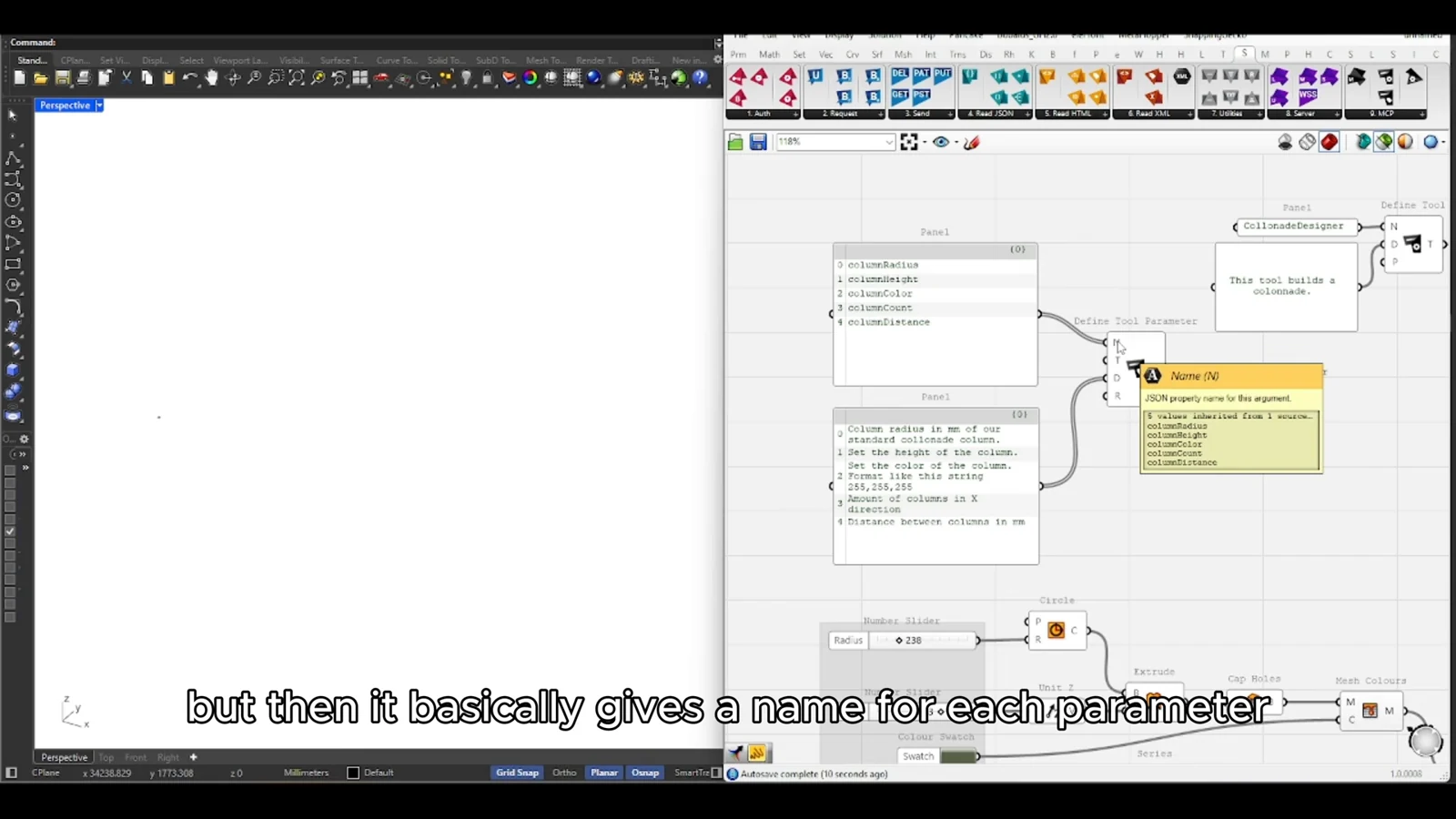
Give the agent feedback
Changing a slider is an action; understanding its effect requires feedback. Expose outputs that describe the model in terms relevant to the task. Geometry can support visual review, while structured values can make comparisons between iterations more explicit.
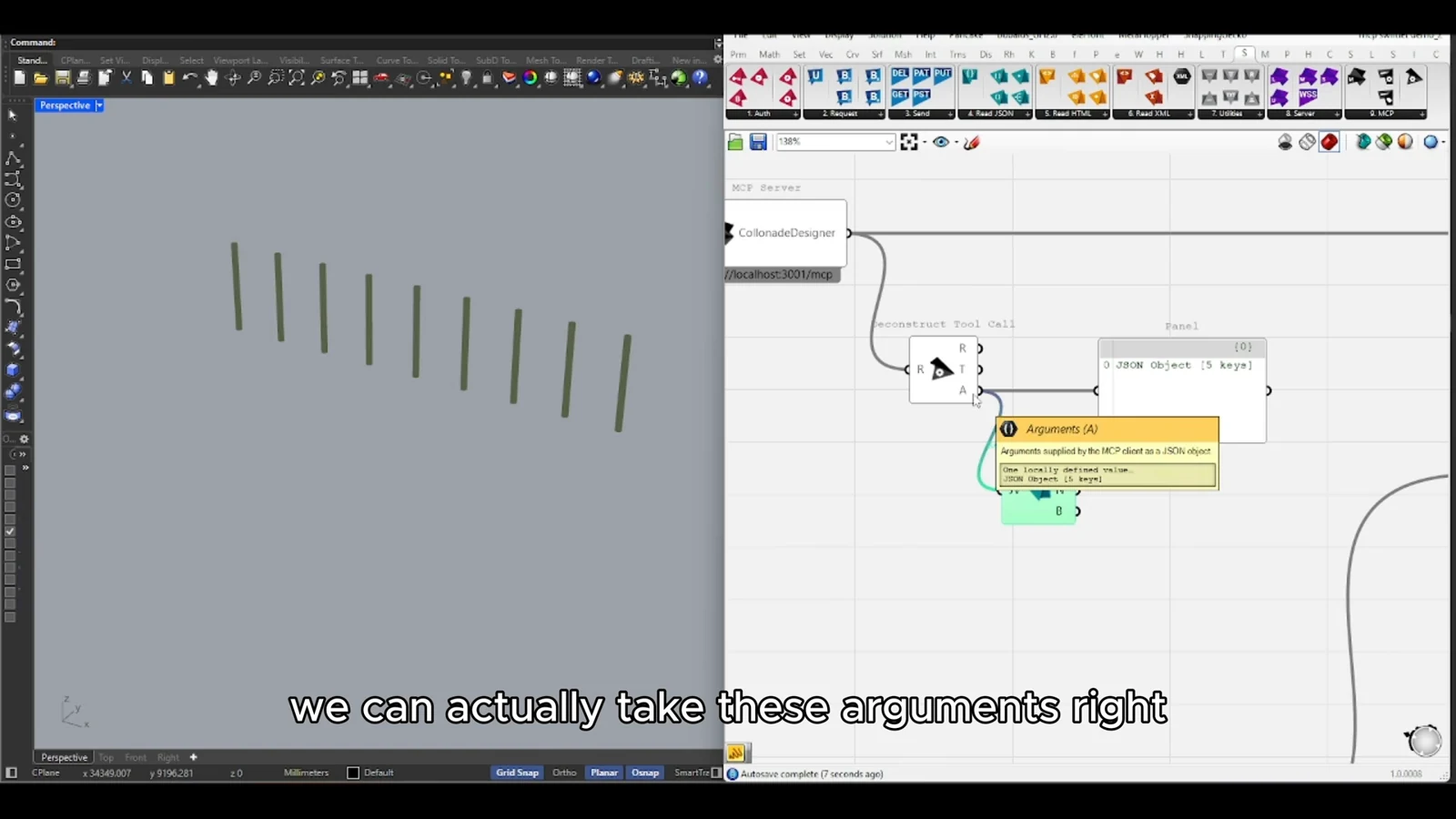
Be selective about what the agent can change. Meaningful names, reasonable bounds and clear descriptions reduce ambiguity. Keep fixed requirements in the parametric logic so that they do not depend on the agent remembering an instruction throughout a conversation.
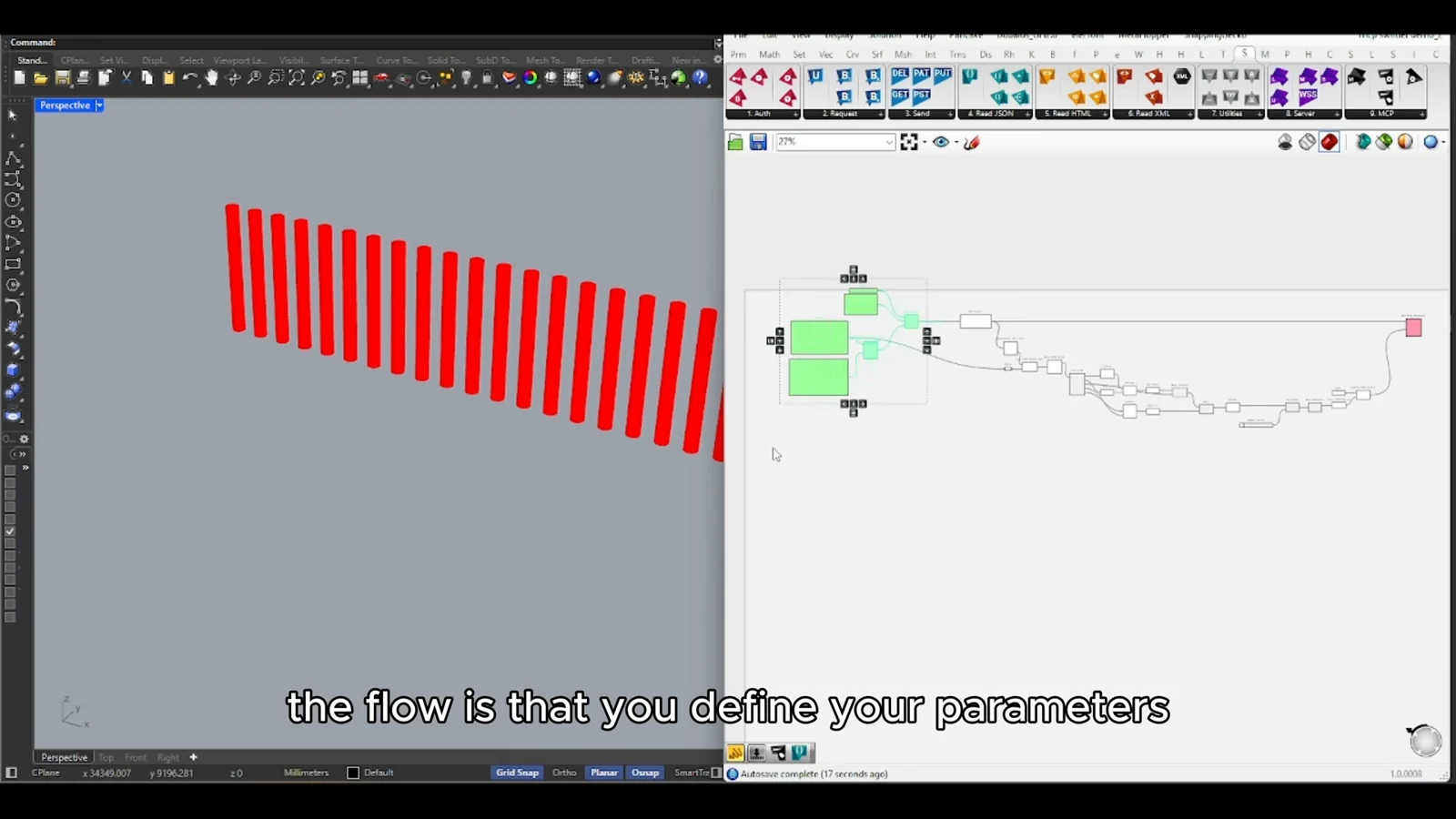
Keep exploration accountable
An agent can help explore alternatives, but an apparently successful output may still miss something the chosen metric does not capture. Preserve a baseline, inspect changes and review the design beyond its numerical score. The aim is a useful collaborator within a controlled system, with a clear path back to the model's underlying decisions.
From concept to canvas
See the workflow in practice
The companion video shows the model and the workflow behind these ideas. Watch the walkthrough when you want to see how the pieces connect.
Watch on YouTube