
Workflow / Field notes
Build a Design Explorer with Grasshopper and Notion
Connect parametric options to a simple review environment for design comparison and decision-making.
Generating options is only the beginning of a design study. The team also needs a way to compare them, record observations and choose what to develop. This video explores Notion as a lightweight review environment connected to Grasshopper's parametric outputs.
Try it yourself
Get the template in the community
Templates are hosted in Ontologic Academy on Circle. Follow the link, then sign in or create a community account to access the template and its instructions.
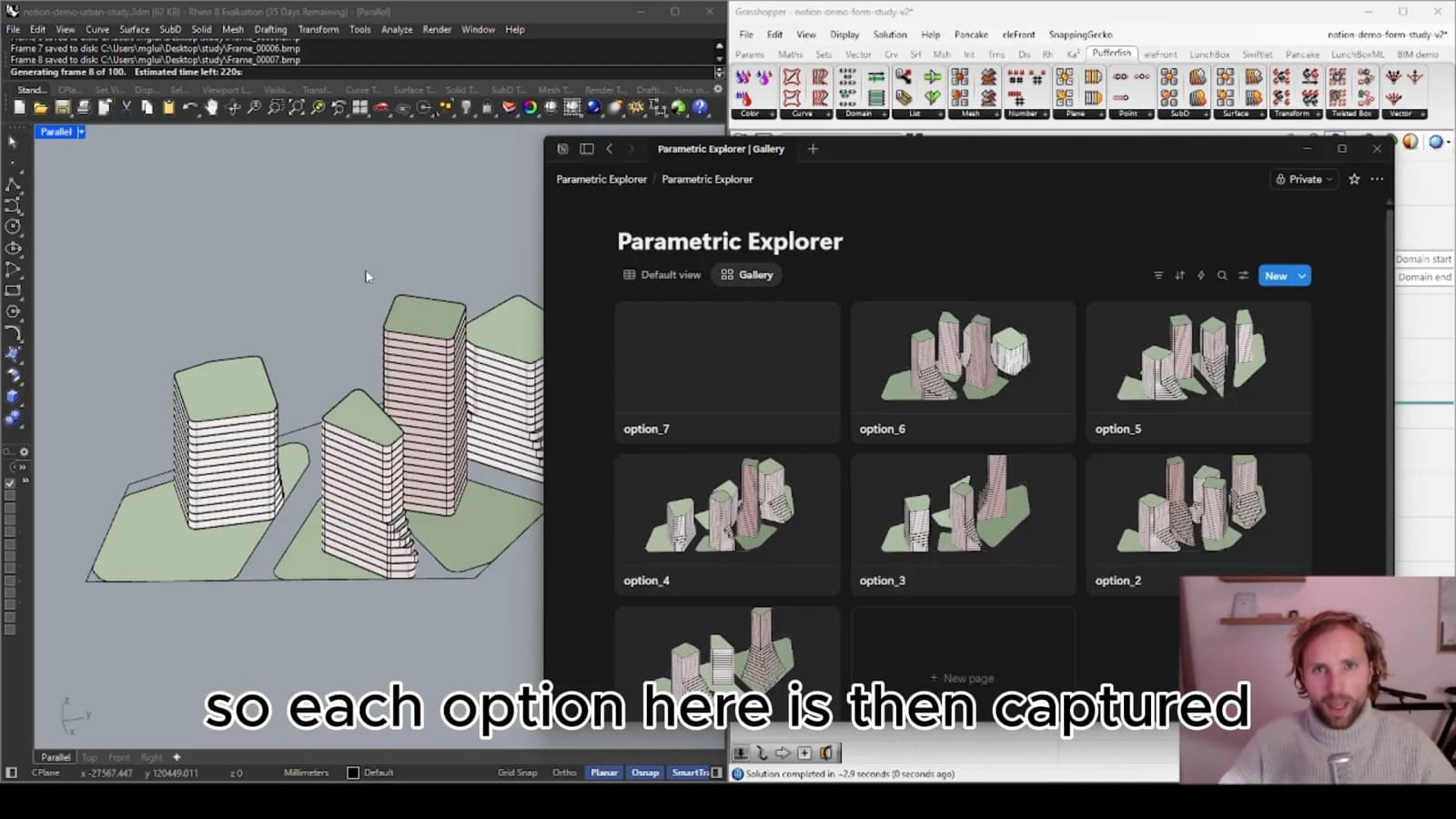
Turn an option into a reviewable record
A useful design option needs an identity, a visual reference and a consistent set of properties. Those elements allow someone outside the parametric model to understand what they are reviewing and compare it with other alternatives.
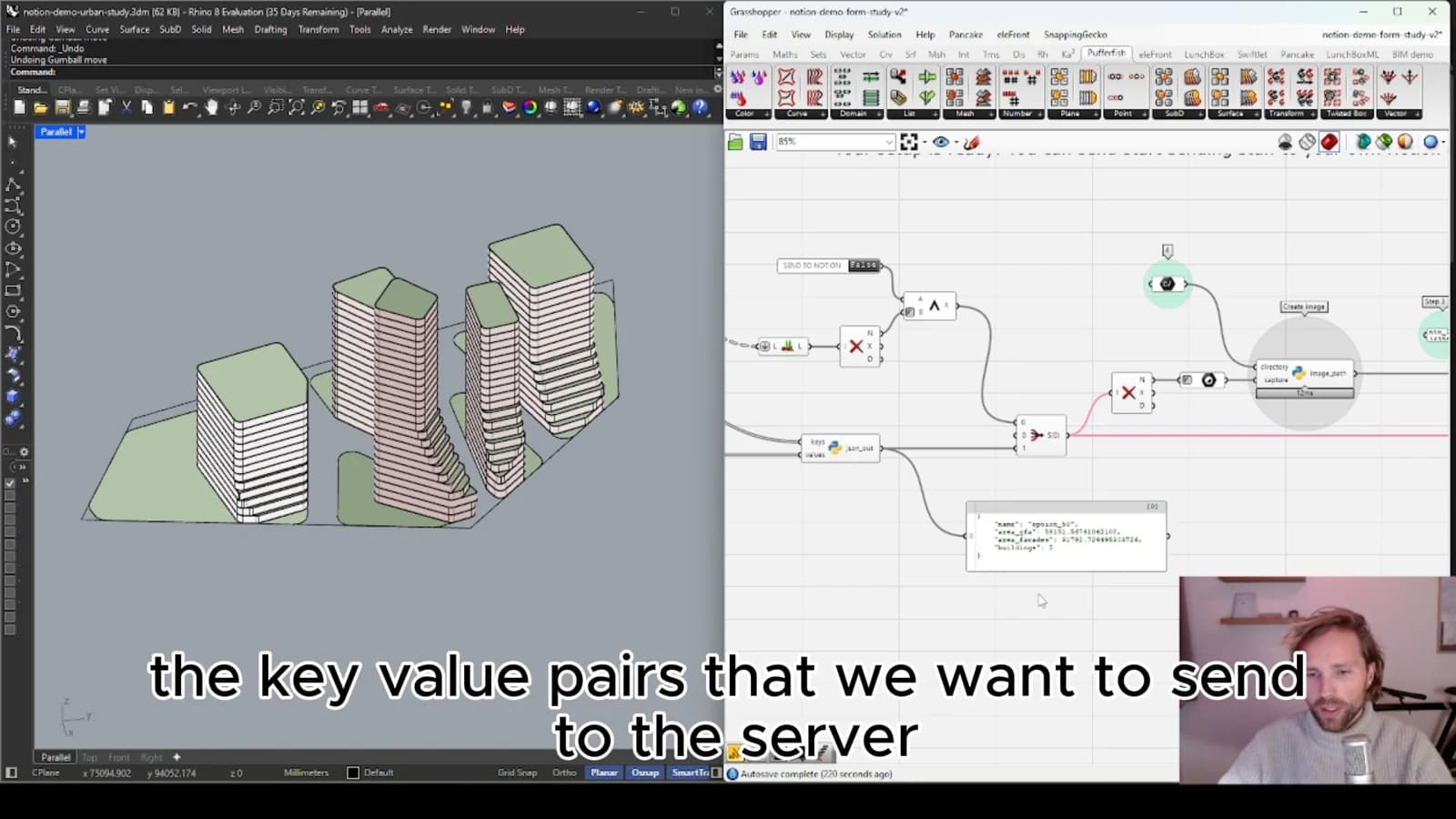
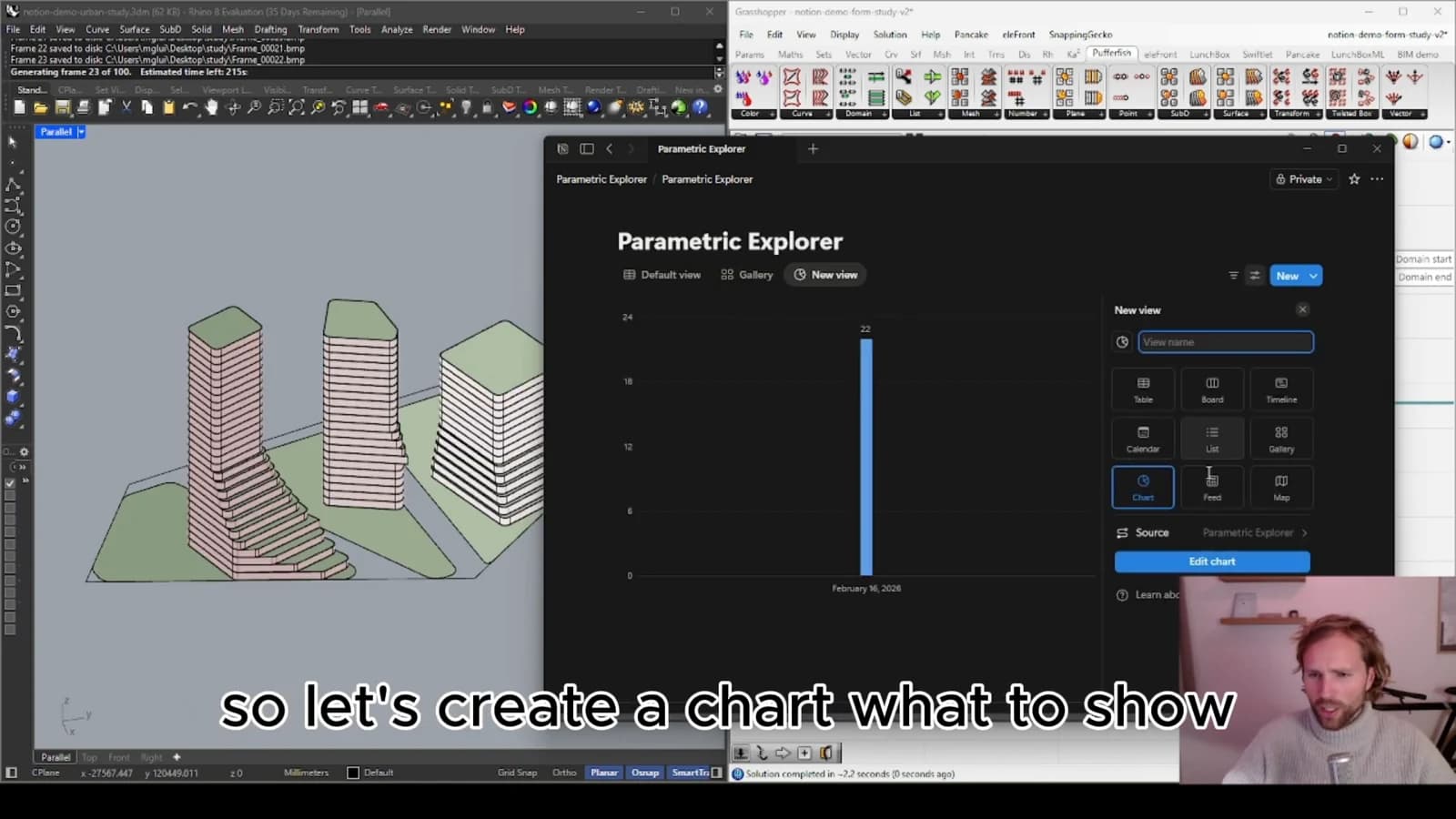
Choose metrics that support the actual decision. A long table of values can obscure the trade-offs if nobody knows which ones matter. Include the assumptions behind a study so that apparently comparable results are not based on different inputs.
Separate generation from discussion
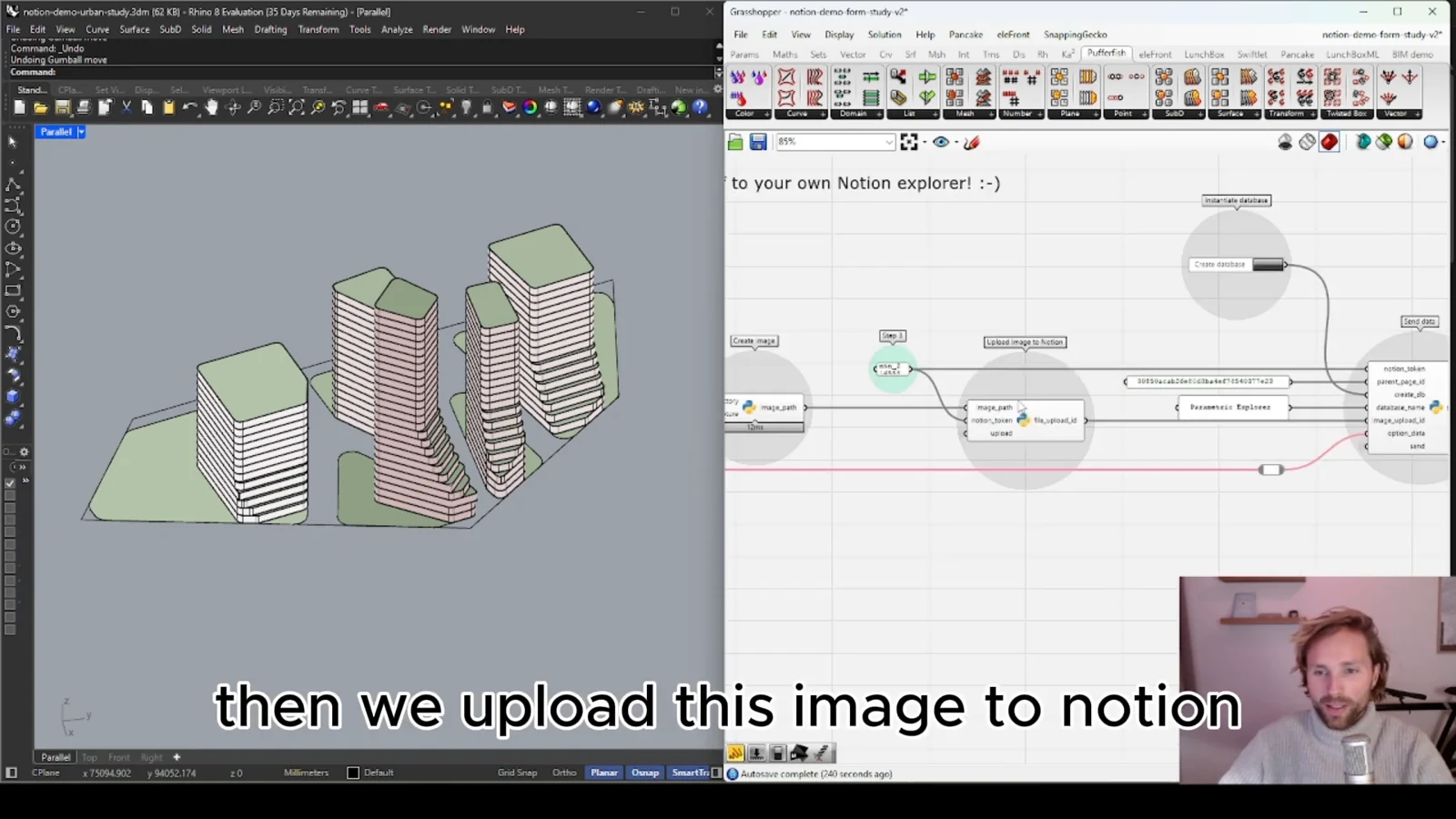
Grasshopper is well suited to generating and evaluating alternatives. A review environment serves a different purpose: presenting those alternatives in a place where the team can browse and discuss them. Keeping the two roles distinct makes participation easier for people who do not use the authoring tools.
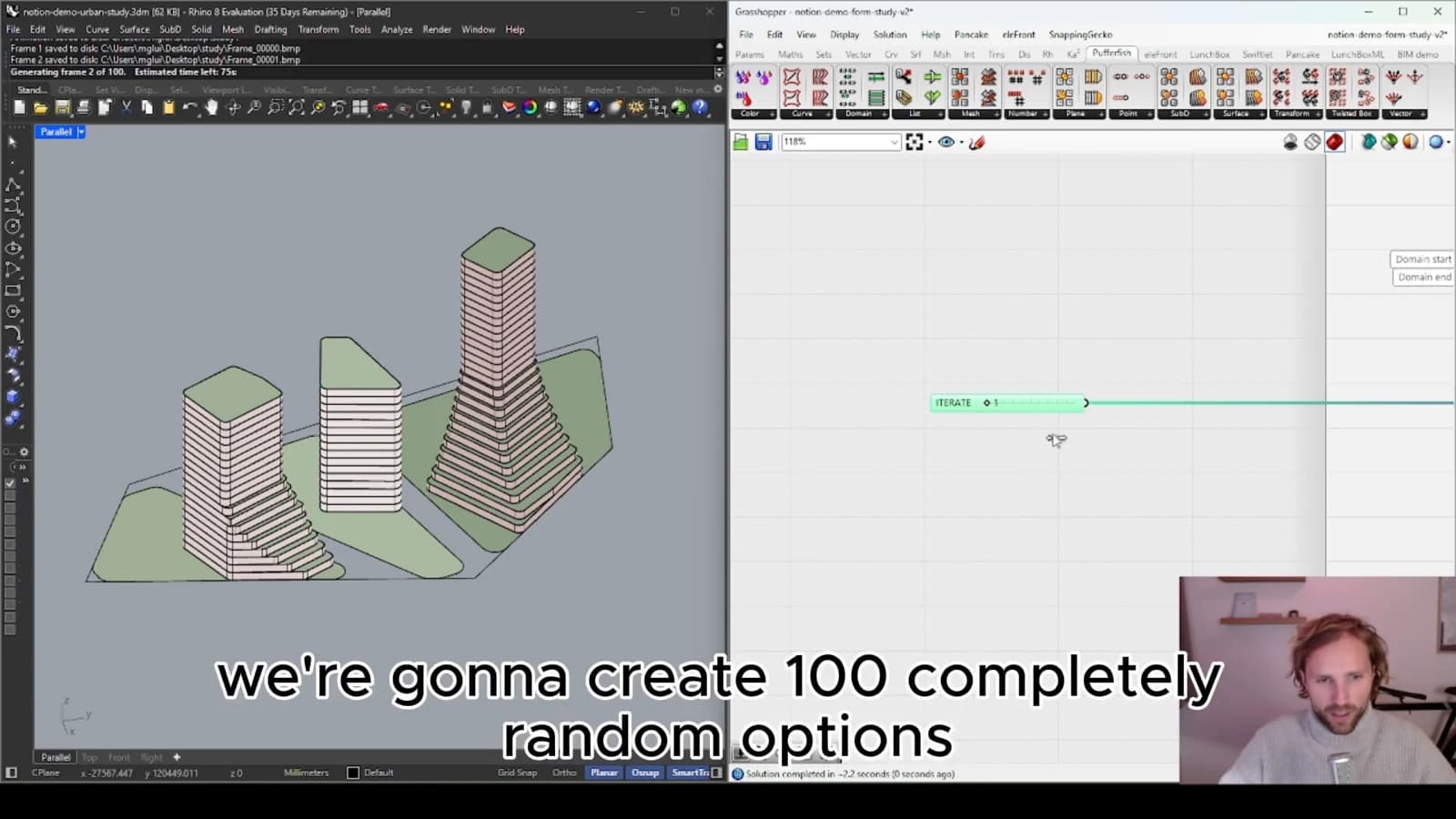
A Notion-based explorer can provide a practical starting point when the review process is relatively simple. Organize records around the questions the team asks, and keep a clear link back to the originating option so feedback can be acted on.
Preserve the decision trail
When an option changes, decide whether the review record should update or a new revision should be added. Comments lose their meaning if the underlying geometry silently changes. Recording which version was reviewed helps turn a collection of alternatives into a useful history of the design decision.
From concept to canvas
See the workflow in practice
The companion video shows the model and the workflow behind these ideas. Watch the walkthrough when you want to see how the pieces connect.
Watch on YouTube