

Workflow / Field notes
Generate SketchUp Facades from Grasshopper
Use Grasshopper as a facade generation engine, then continue design work in SketchUp.
Parametric generation and hands-on modeling do not have to compete. A facade study can begin in Grasshopper and continue in SketchUp, provided the handover preserves enough structure for someone to keep working. The important deliverable is an editable starting point, rather than a frozen geometric result.
Generate the repetitive system
Facades often contain repeated relationships: bays, panels, openings and variations within a larger grid. Grasshopper is useful for expressing those relationships once and exploring their consequences across a building. Changes to the system can then propagate without rebuilding each element individually.
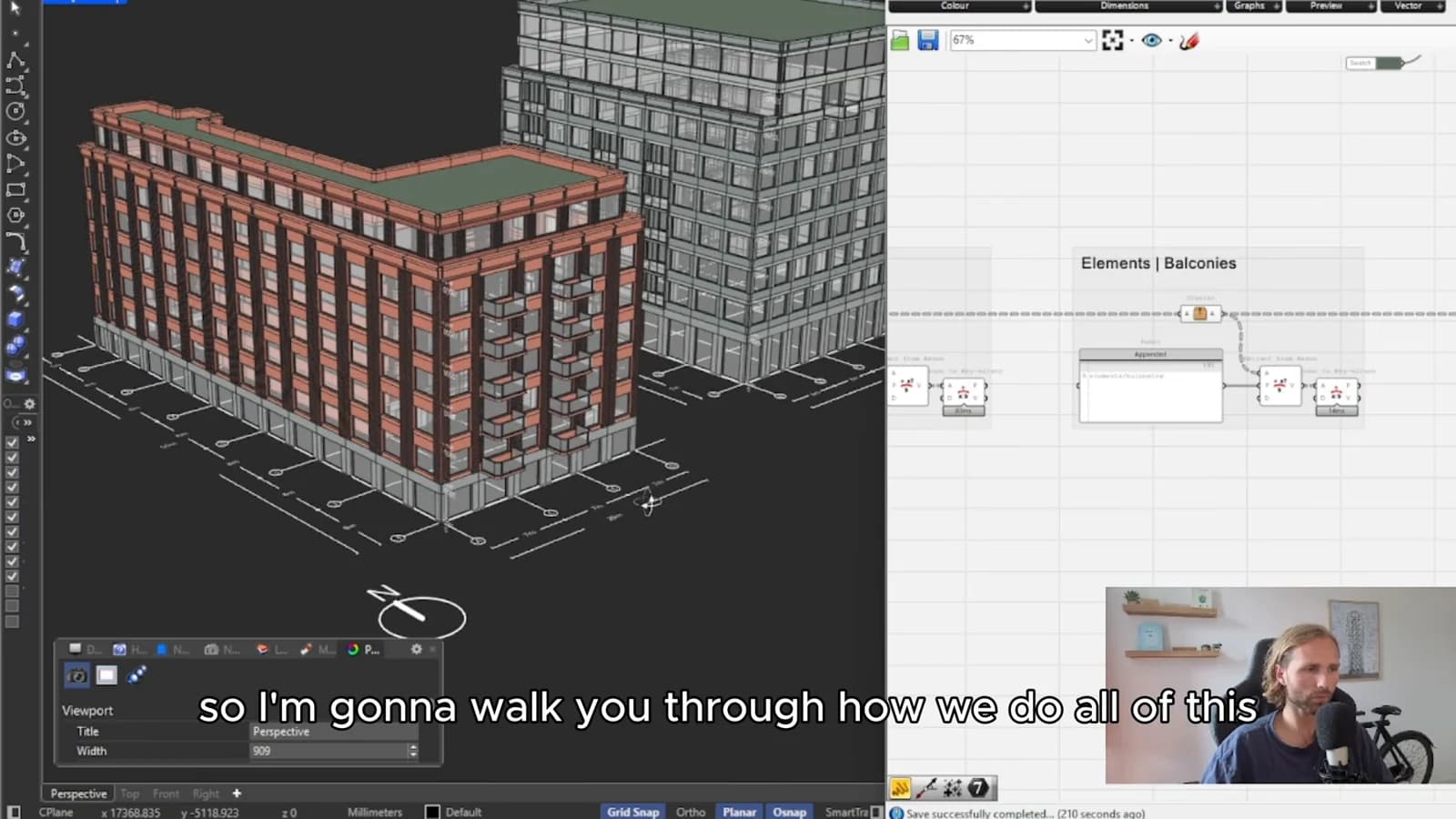
That advantage becomes a limitation if every later adjustment has to return to the original definition. Consider which decisions belong in the generator and which should remain accessible to the designer receiving the model.
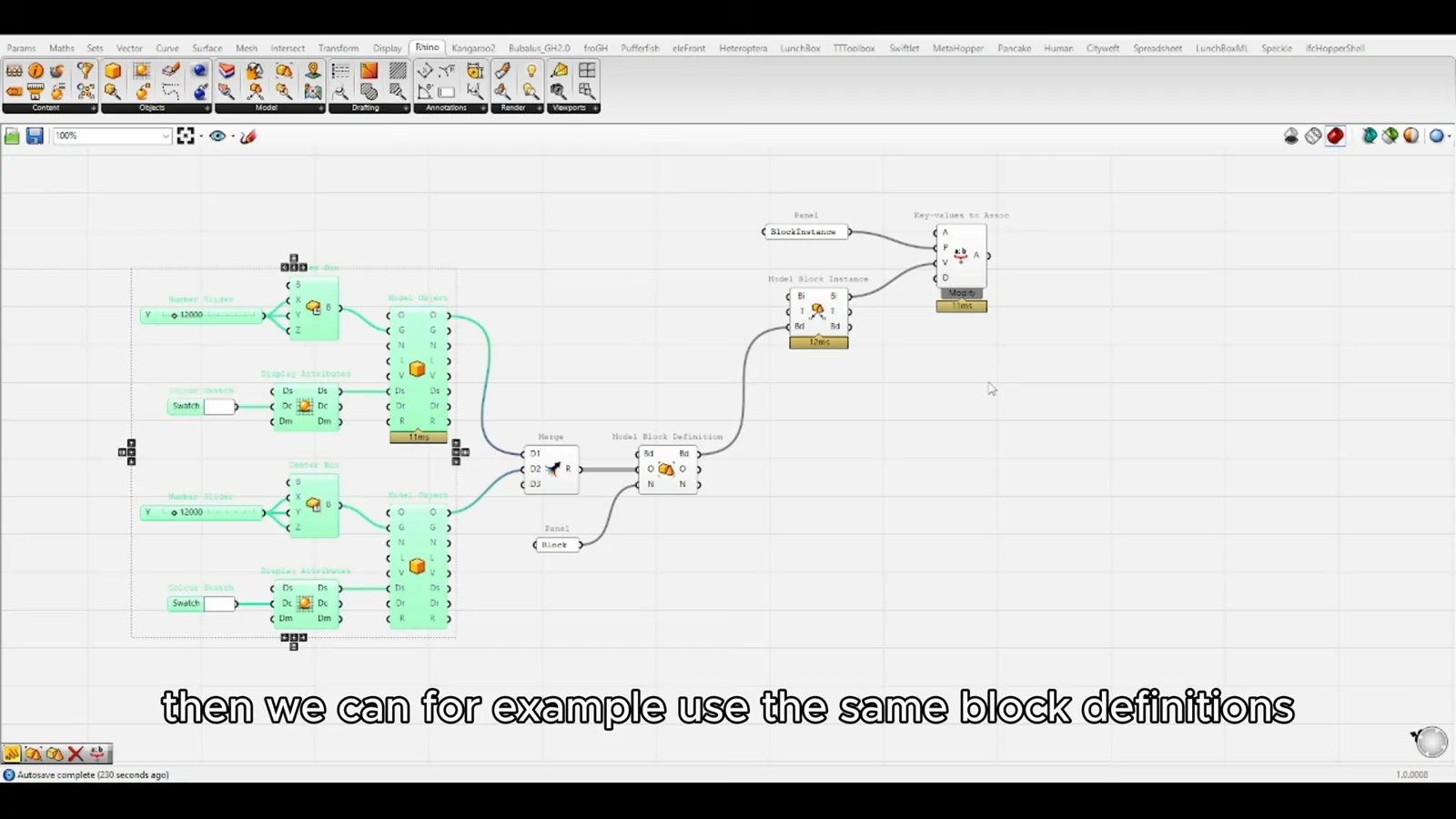
Treat baking as a handover
The workflow uses Elefront to organize baked facade parts as blocks. This matters because a recipient needs recognizable pieces to select and edit. A model with deliberate object organization is more useful than a visually identical collection of disconnected surfaces.
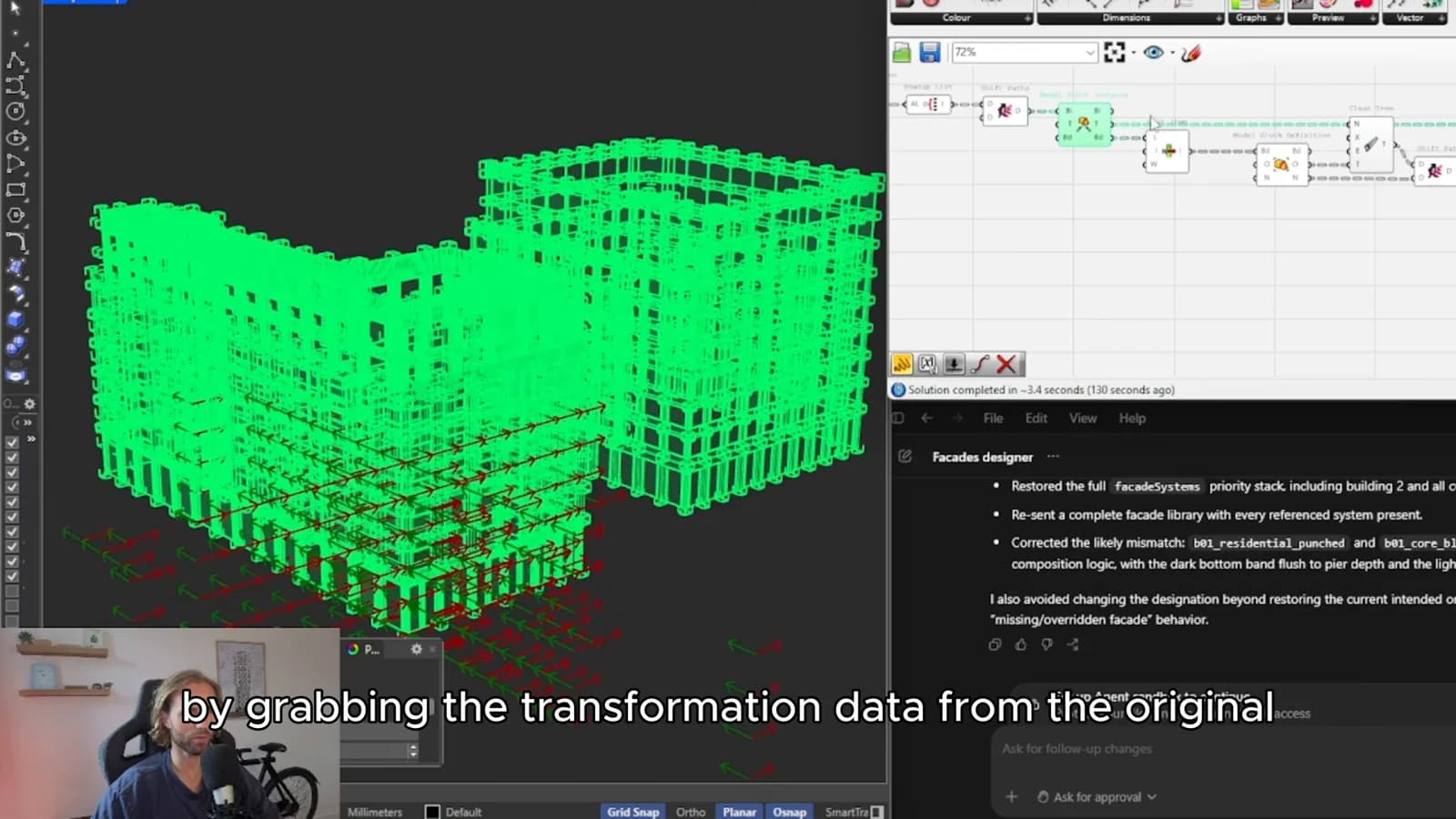
Decide how parts should be grouped before exporting. Repeated units, distinct facade zones and consistent naming can make the resulting model easier to navigate. Test a small portion of the facade in SketchUp before committing to a full export; the handover should be judged in the receiving application.
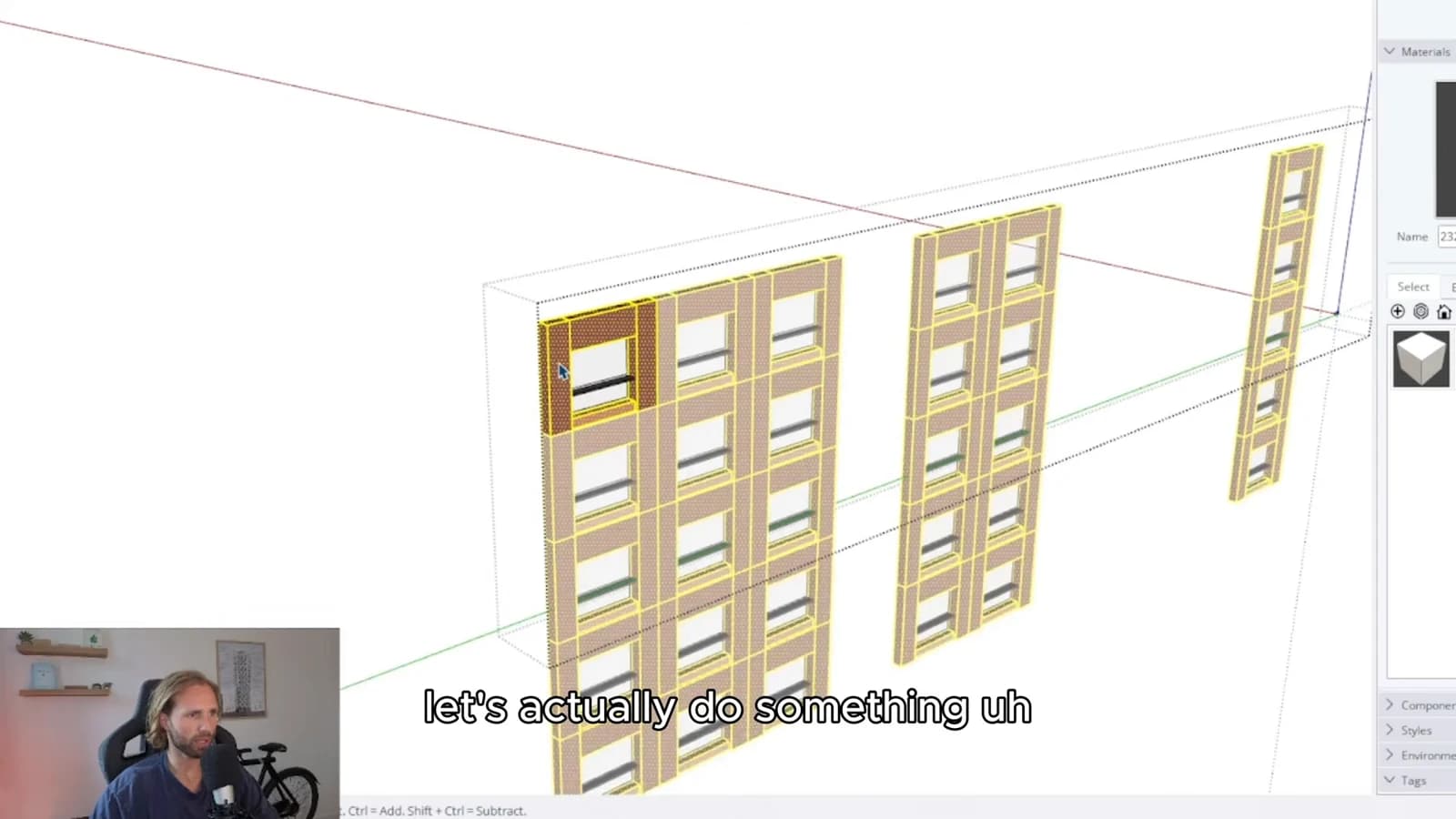
Keep room for local decisions
Some changes are systematic, while others respond to a corner, entrance or particular design discussion. A useful workflow accommodates both. Grasshopper establishes a coherent baseline, and SketchUp offers a familiar environment for local refinement. If the generator is run again, decide explicitly how those manual changes will be preserved or reapplied.
From concept to canvas
See the workflow in practice
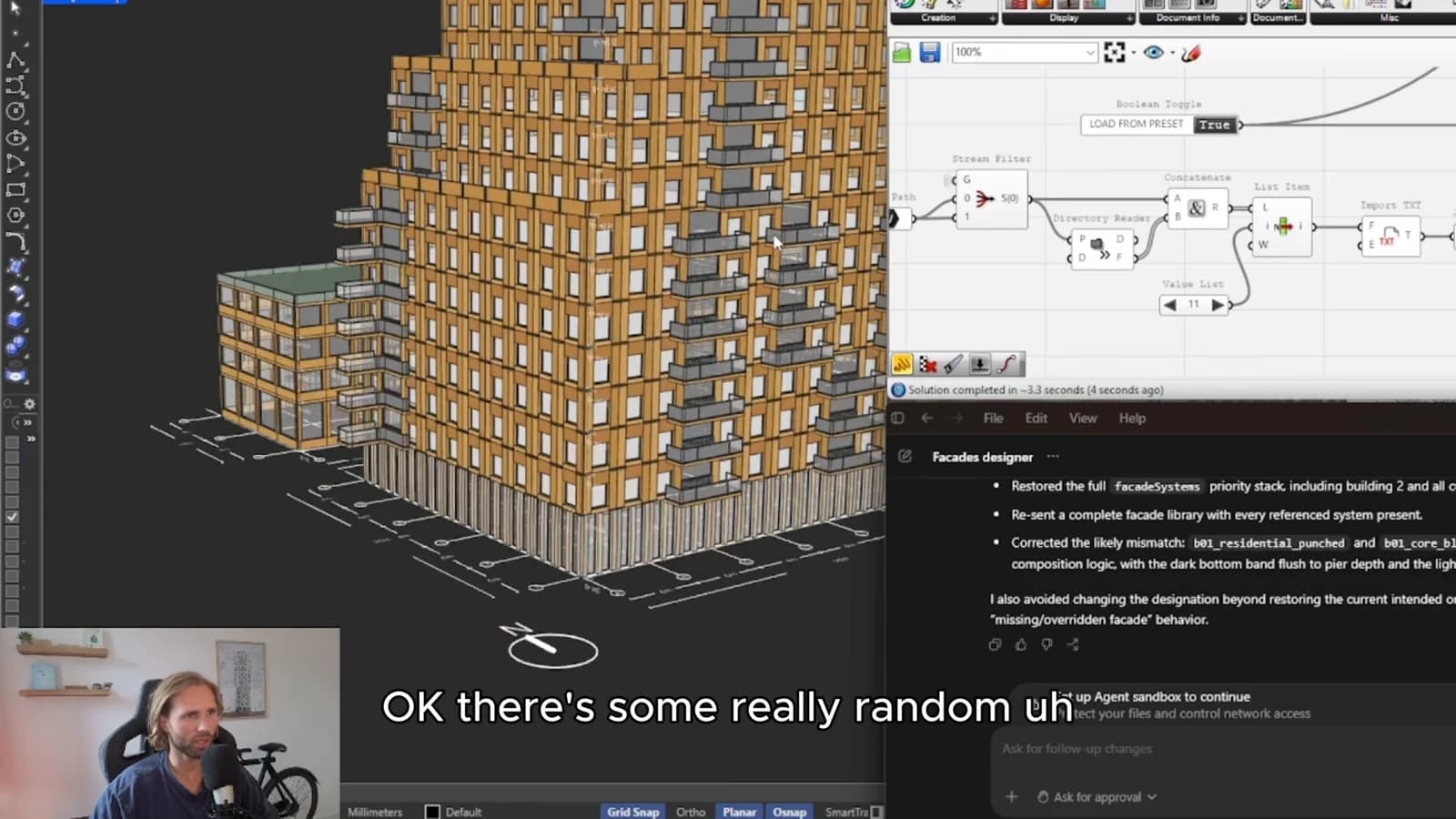
The companion video shows the model and the workflow behind these ideas. Watch the walkthrough when you want to see how the pieces connect.
Watch on YouTube