

Workflow / Field notes
Scale Grasshopper Workflows with GitHub
Use version control and better workflow habits when Grasshopper projects become larger and more collaborative.
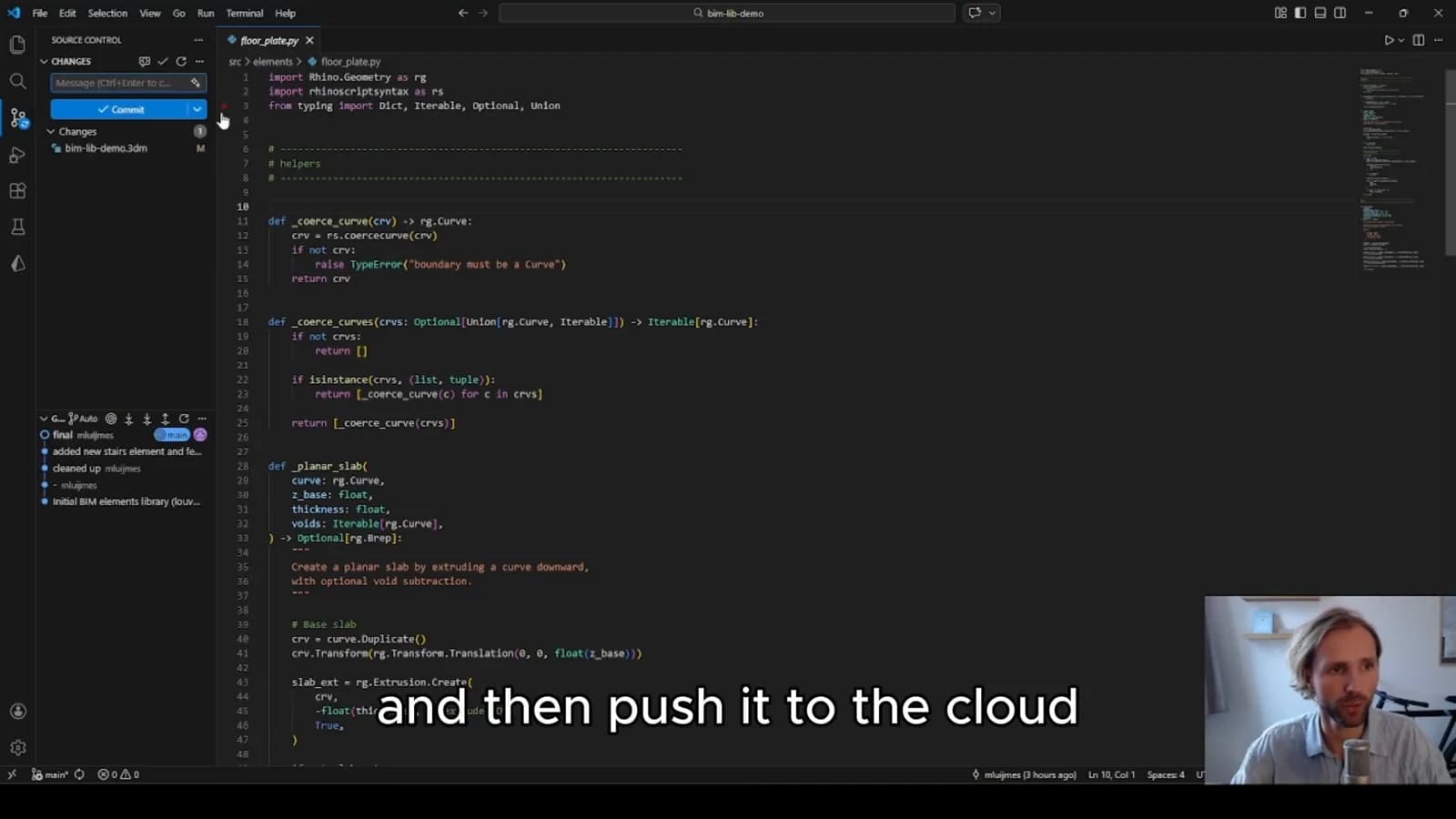
When a Grasshopper definition becomes part of a team's project infrastructure, saving another copy is no longer enough. People need to know what changed, which version works and why a decision was made. This video considers how GitHub and version-control habits can support that shift.
Try it yourself
Get the template in the community
Templates are hosted in Ontologic Academy on Circle. Follow the link, then sign in or create a community account to access the template and its instructions.
Make a change understandable
A useful saved version represents a coherent change with a short explanation. Describe the behavior that changed and the reason for it, rather than relying on a filename to carry the history. This helps a future teammate distinguish a deliberate revision from an experiment.
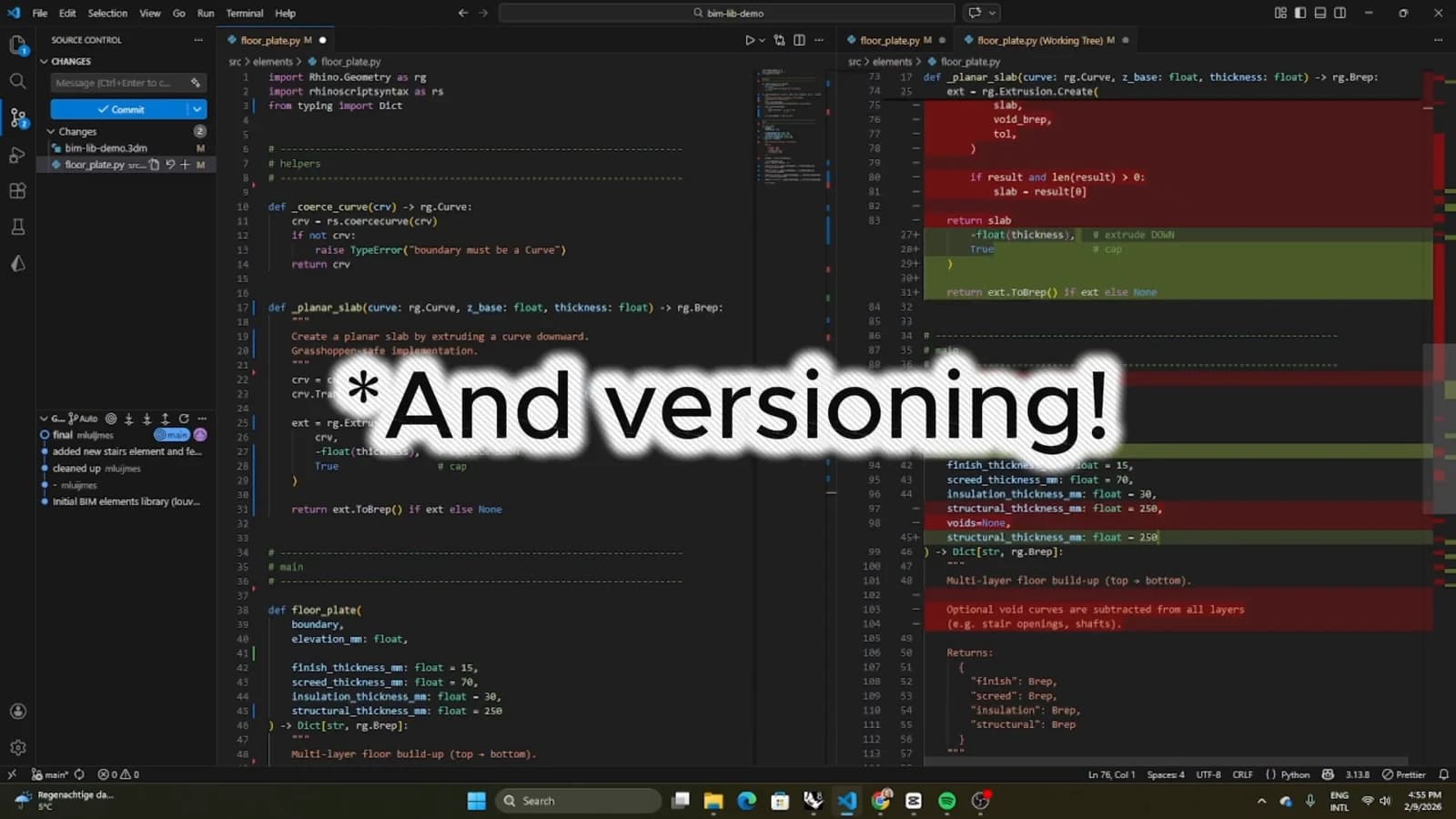
Version control can preserve files, but it does not automatically make visual definitions easy to compare or merge. Be realistic about the file formats involved. Clear ownership and smaller, well-scoped changes remain valuable even when a graphical change cannot be reviewed like ordinary source code.
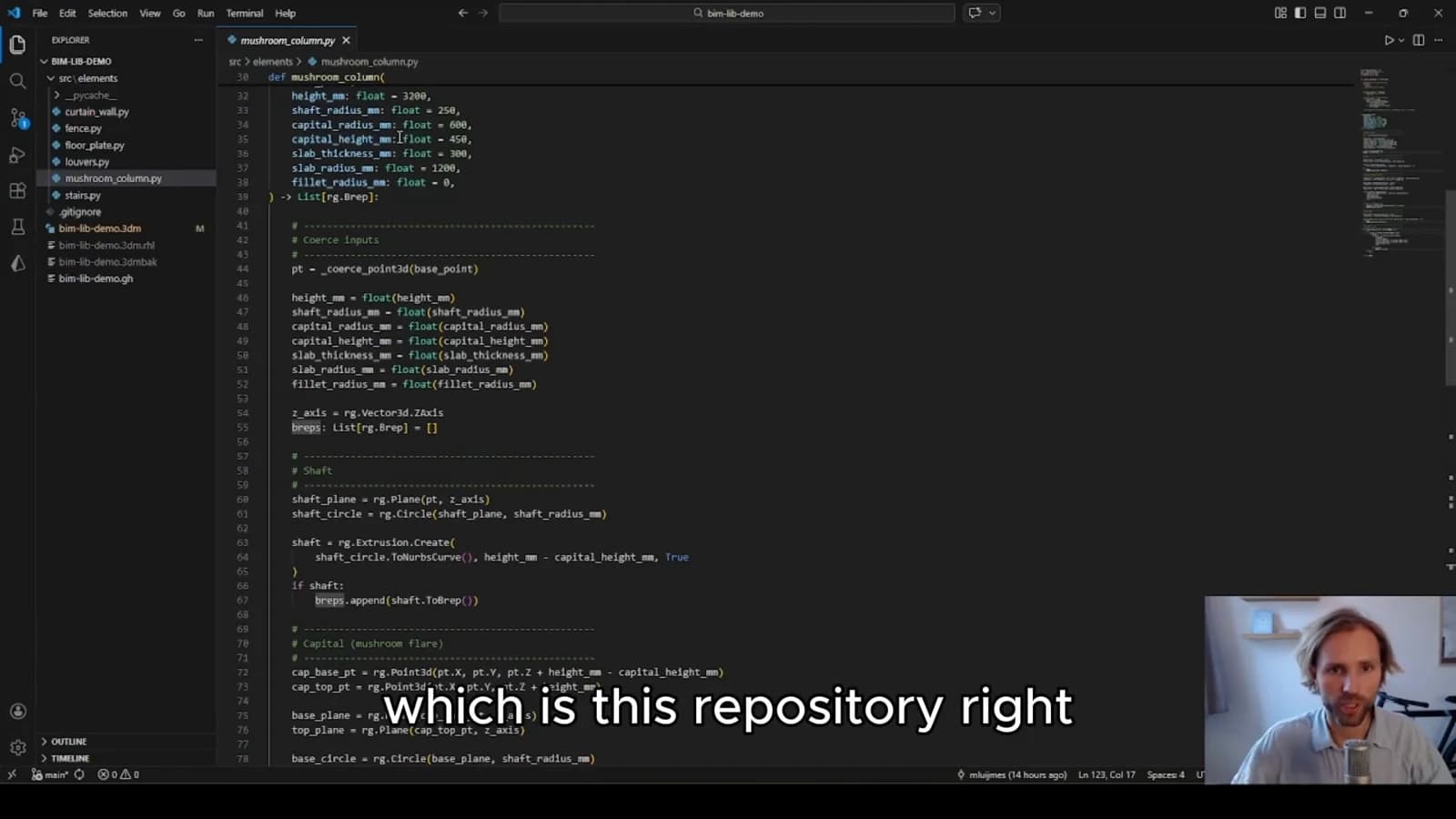
Document the environment
A definition may rely on plugins, external files or particular input conventions. Record those dependencies alongside the workflow. Otherwise an older version may exist in the repository without being reproducible on another machine.
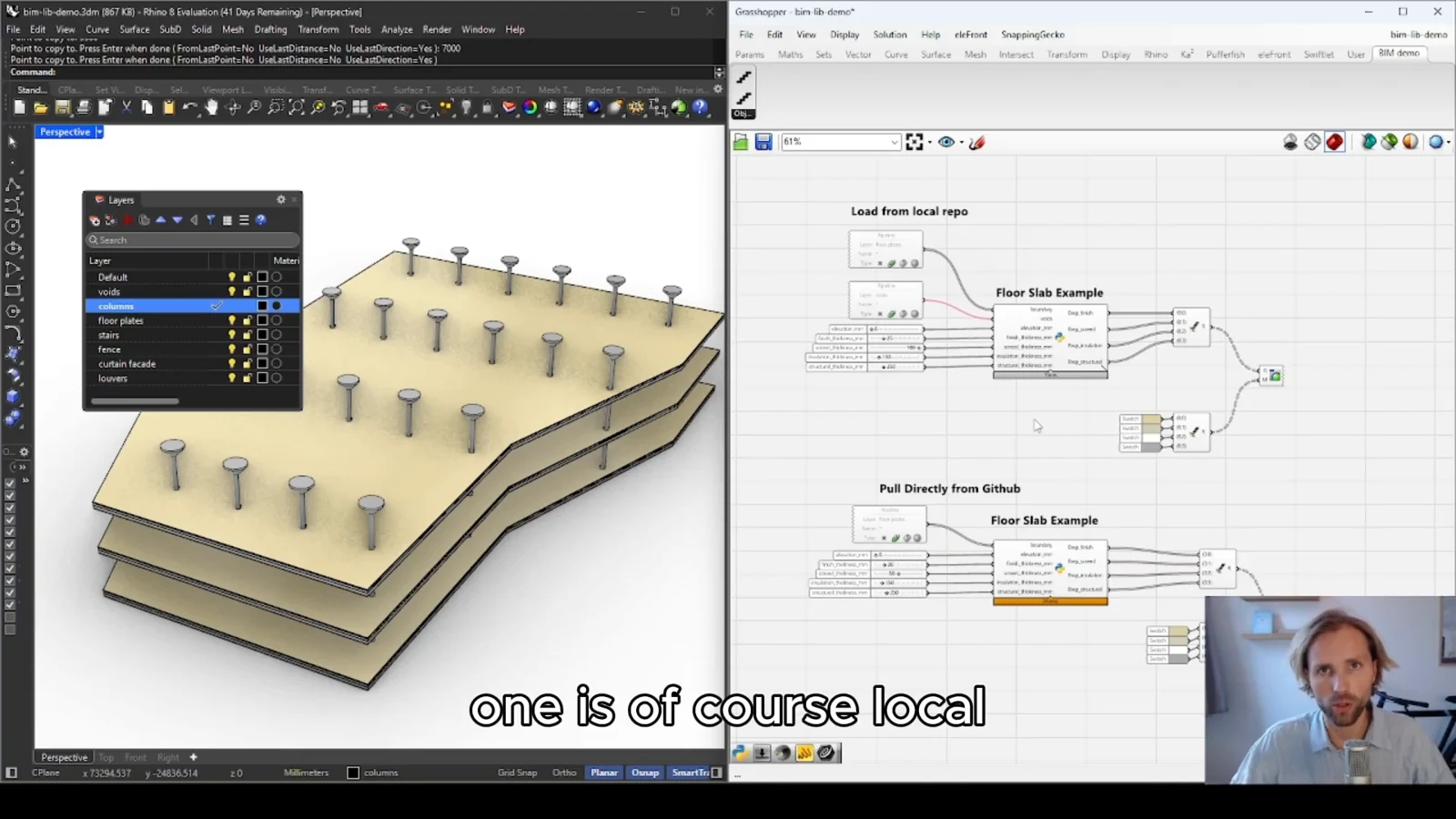
Include a minimal example and explain how to recognize a successful output. A teammate should be able to open the project, supply the expected inputs and understand whether it is behaving correctly without reconstructing the original author's process.
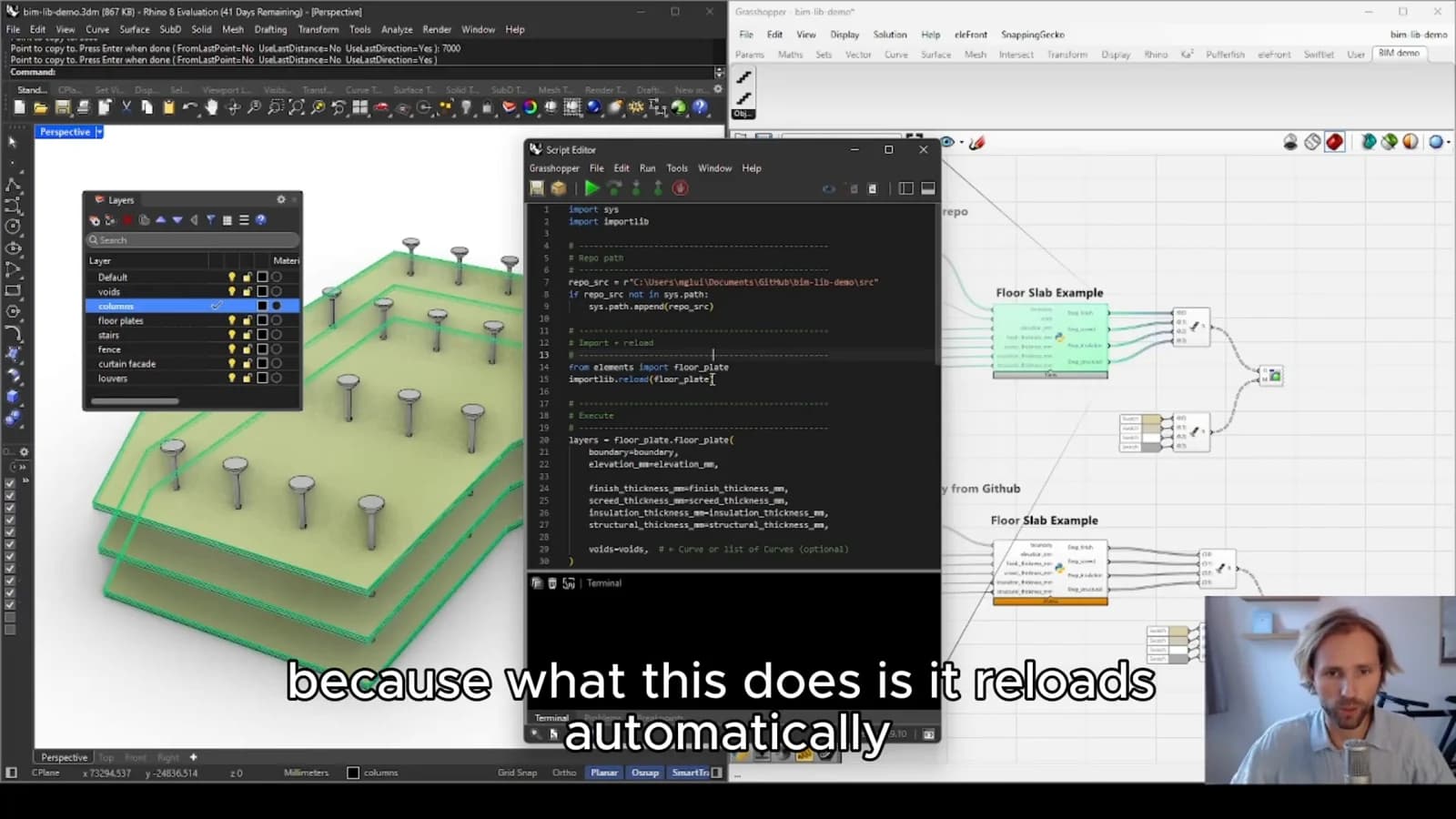
Use collaboration deliberately
Issues can capture problems and planned improvements, while a review process gives changes a place to be discussed. Choose a workflow proportionate to the team. The goal is a dependable shared system with a recoverable history, rather than additional process that nobody maintains.
From concept to canvas
See the workflow in practice
The companion video shows the model and the workflow behind these ideas. Watch the walkthrough when you want to see how the pieces connect.
Watch on YouTube