Insight 1
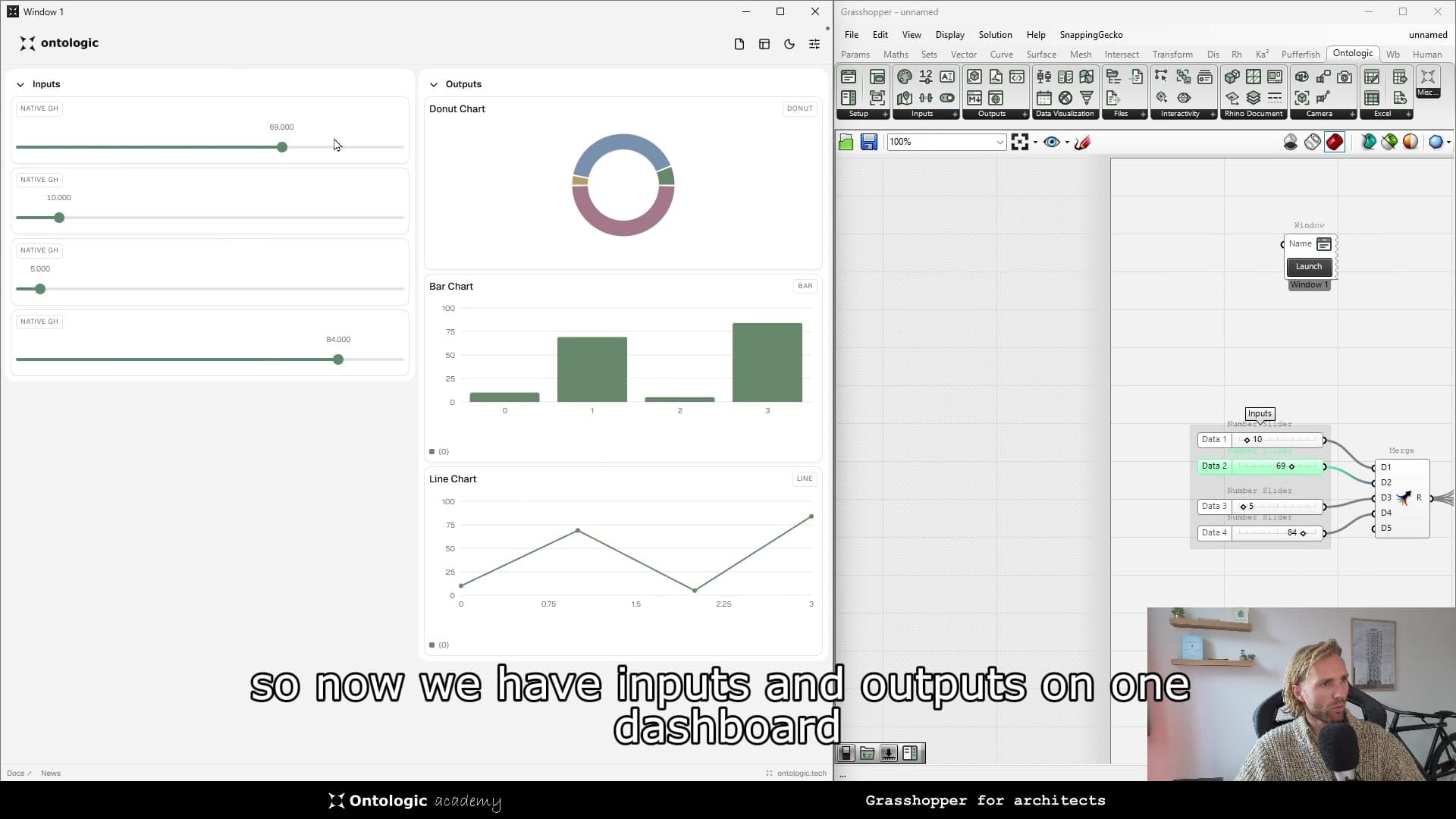
Controls and live charts in two columns
At 5:24, inputs and outputs share one dashboard. The simple example makes the connection between changing values and chart feedback visible.
Watch at 5:24

Ontologic concept
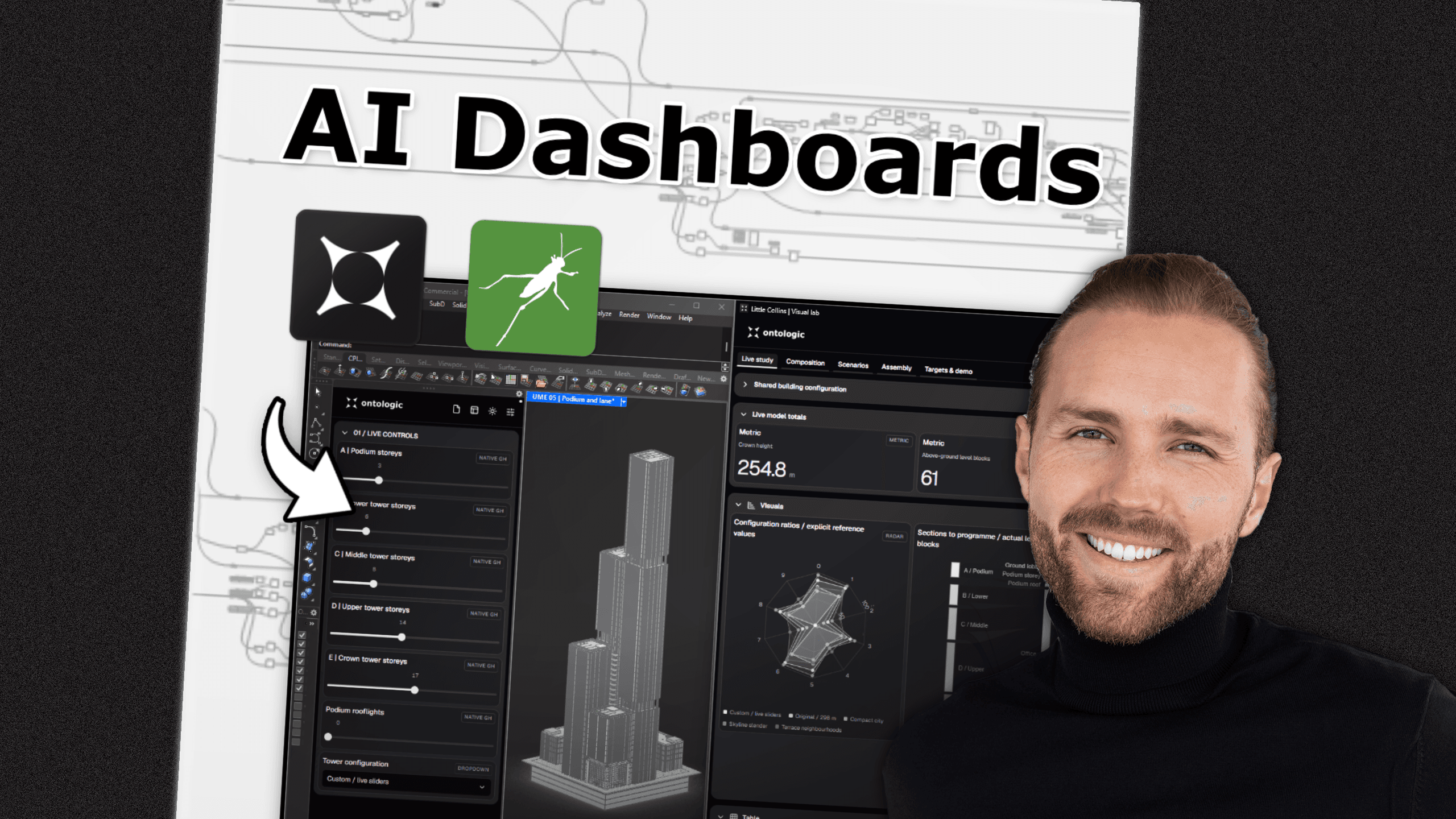
Turn Grasshopper controls, geometry and live charts into a local design tool.
Follow five key moments from the Ontologic Studio walkthrough: publish native controls, arrange live charts, generate dynamic sliders, style the dashboard and select buildings through chart interactions.
Format
Video concept
Focus
Grasshopper
Next step
Learn or implement
Main video
Key insights
Use these notes as a quick way to understand the workflow before or after watching the full video.
Insight 1
At 5:24, inputs and outputs share one dashboard. The simple example makes the connection between changing values and chart feedback visible.
Watch at 5:24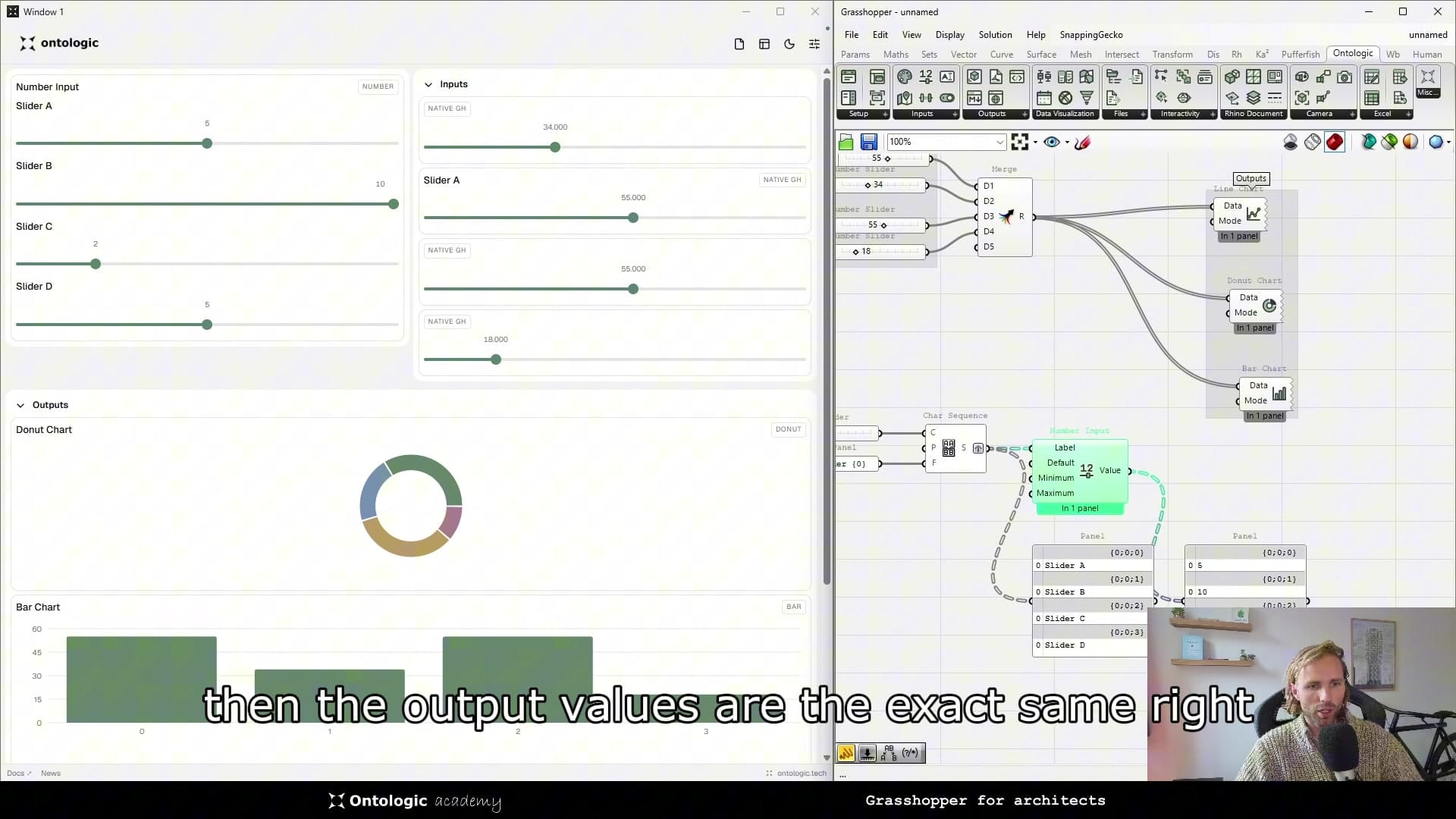
Insight 2
At 7:20, the label tree and returned values use matching branches. A single Number Input component creates multiple sliders from the supplied data.
Watch at 7:20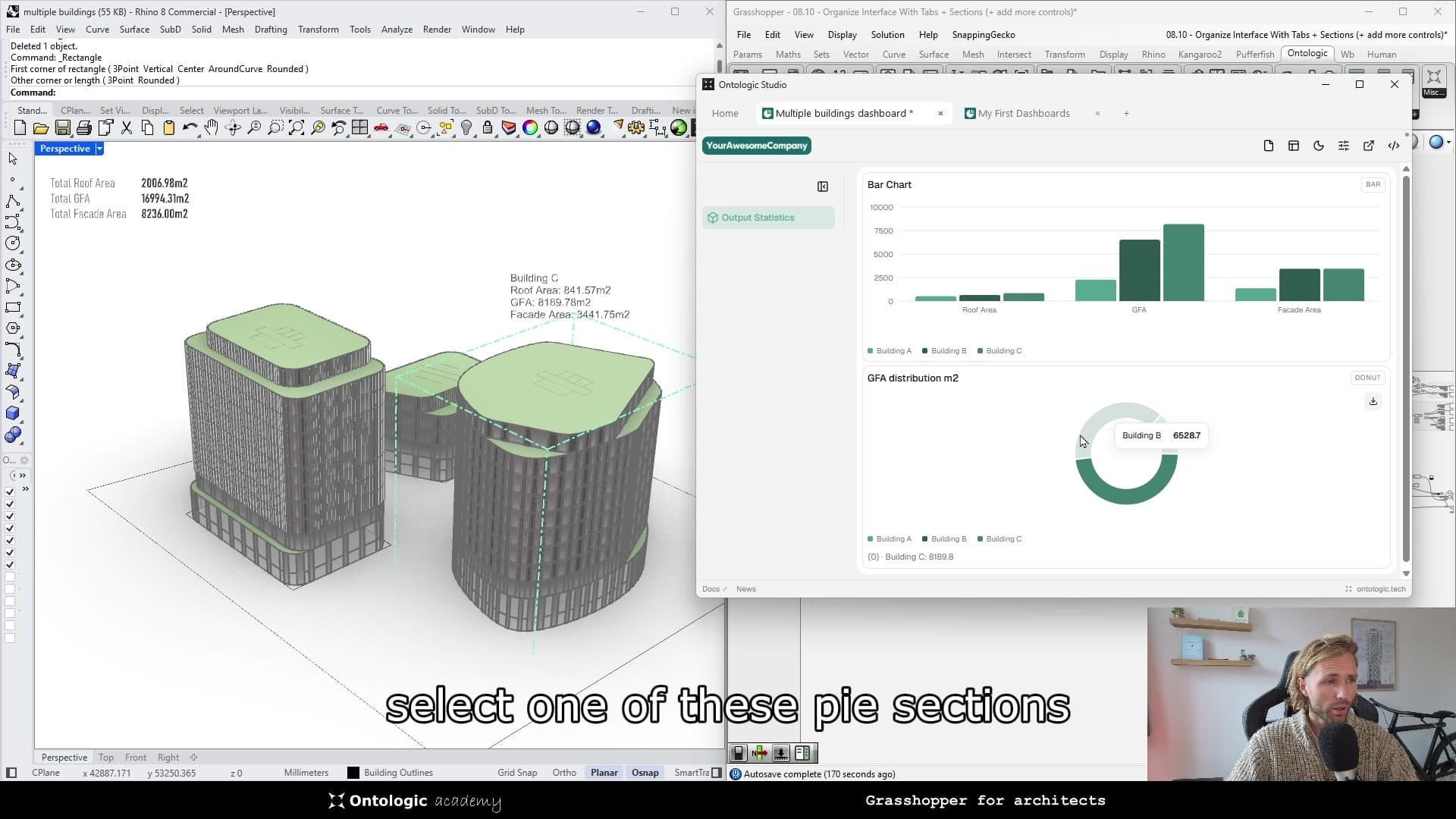
Insight 3
At 13:56, a floor-area chart segment selects its corresponding building in Rhino. Chart interaction becomes an input to the Grasshopper workflow.
Watch at 13:56Learn with Ontologic
Explore Grasshopper for Architects — Thinking in Data and learn to organise data and logic into reusable architectural tools.
Links and resources
Use these links to move deeper into the topic, explore related learning paths, or see how Ontologic can help implement similar workflows.
Watch the walkthrough
Read the blog post
Installation requirements and the component reference.
Open Studio docs
Learn the data and logic behind architectural workflows.
Explore courses
Work with Ontologic on Grasshopper tools, dashboards and connected design workflows.
Explore services
Related concepts
Continue with related Grasshopper, AI, BIM and AEC automation ideas.
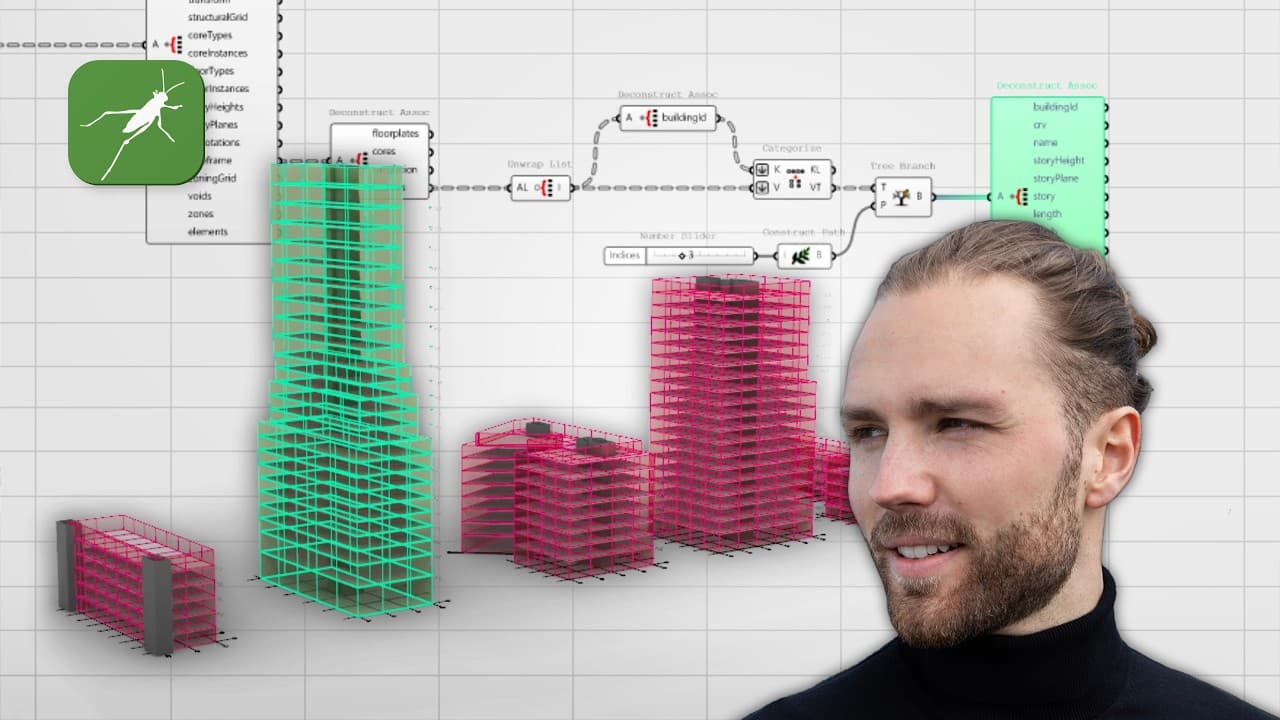
Make Grasshopper definitions more scalable, readable and reusable for real project workflows.
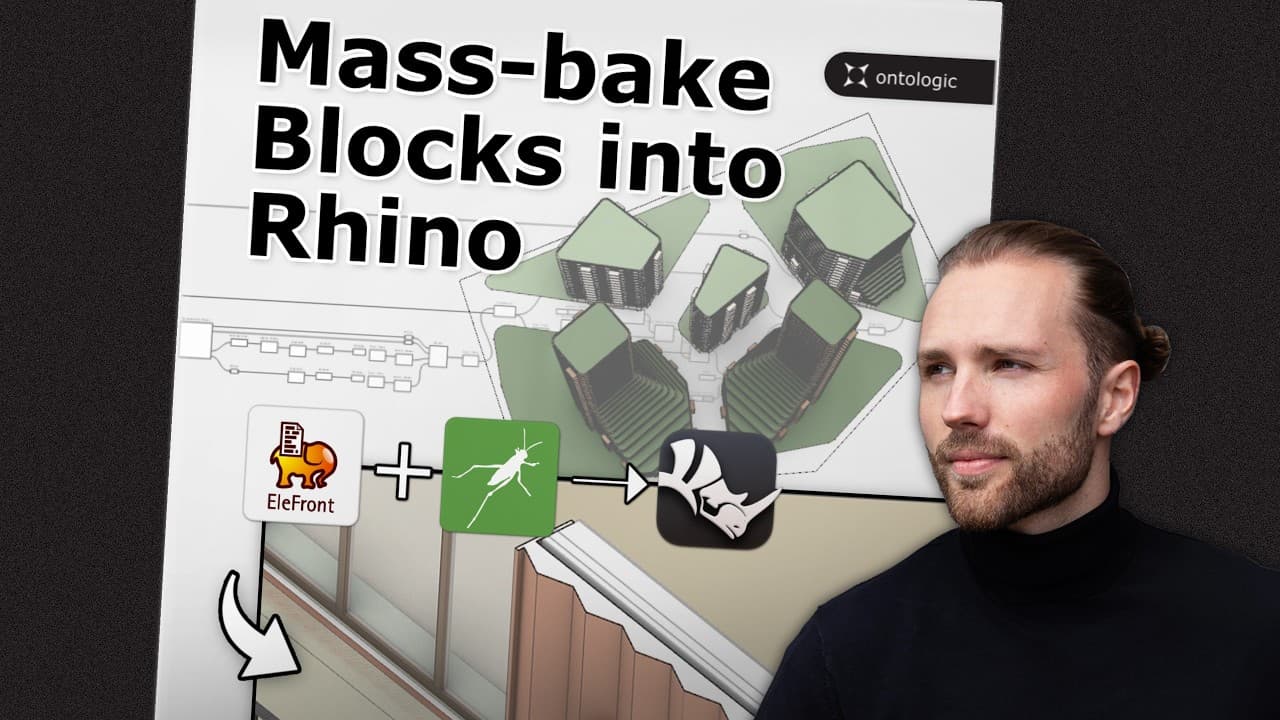
Preserve object data and build smarter baked geometry with Grasshopper, Rhino and Elefront.